
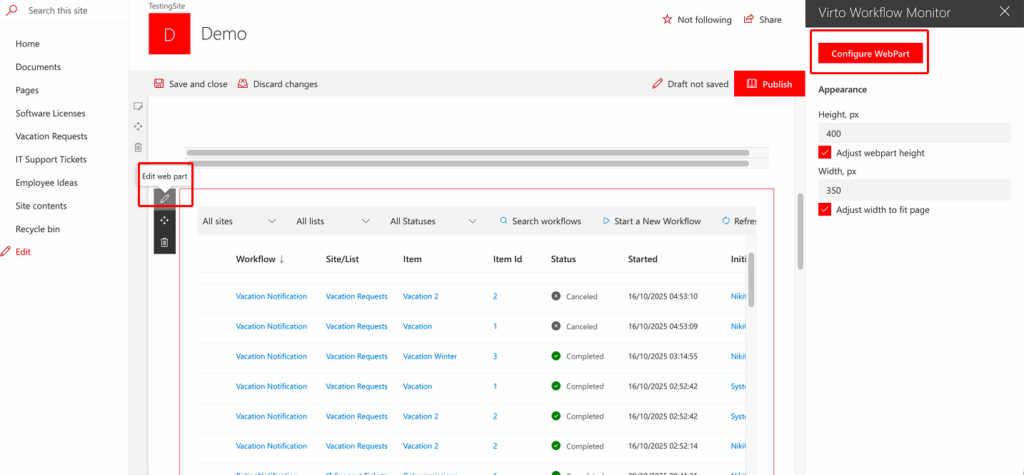
Once web part is added, click “Edit web part”. The block of web part settings will be displayed.
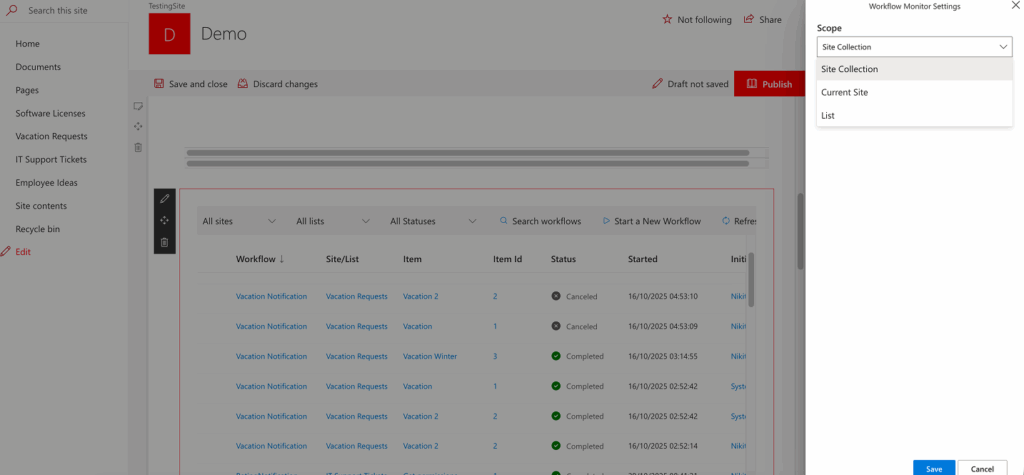
Define the source for the Virto Workflow Status Monitor – list, current site or site collection.
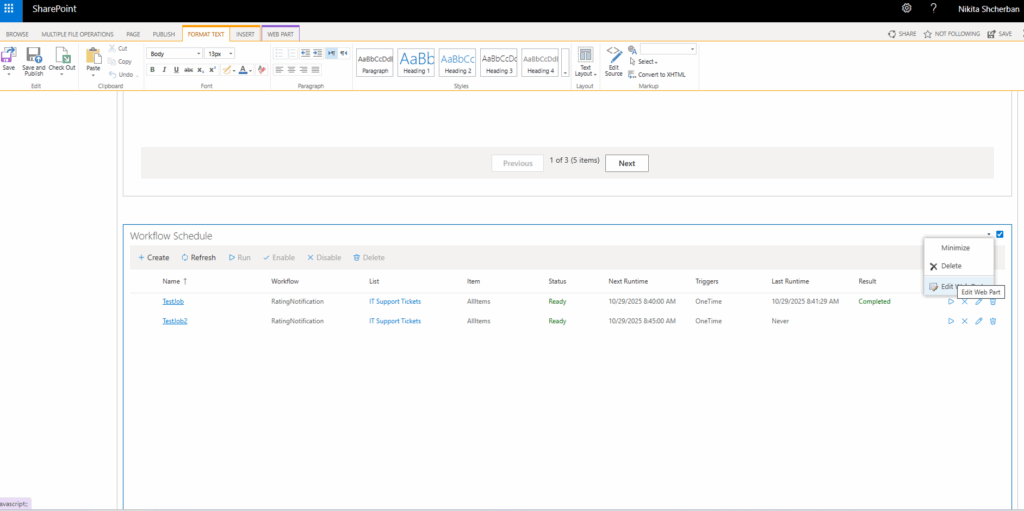
The experience is similar in classic SharePoint:
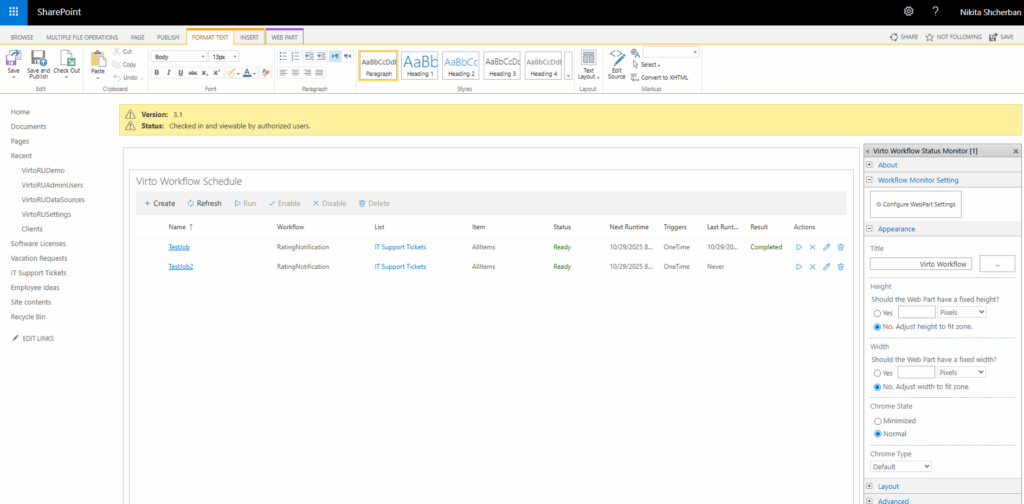
Click “Save” to save the settings.
The list of features supported is the same as for Virto Workflow Status Monitor used as a feature (in the site settings block).