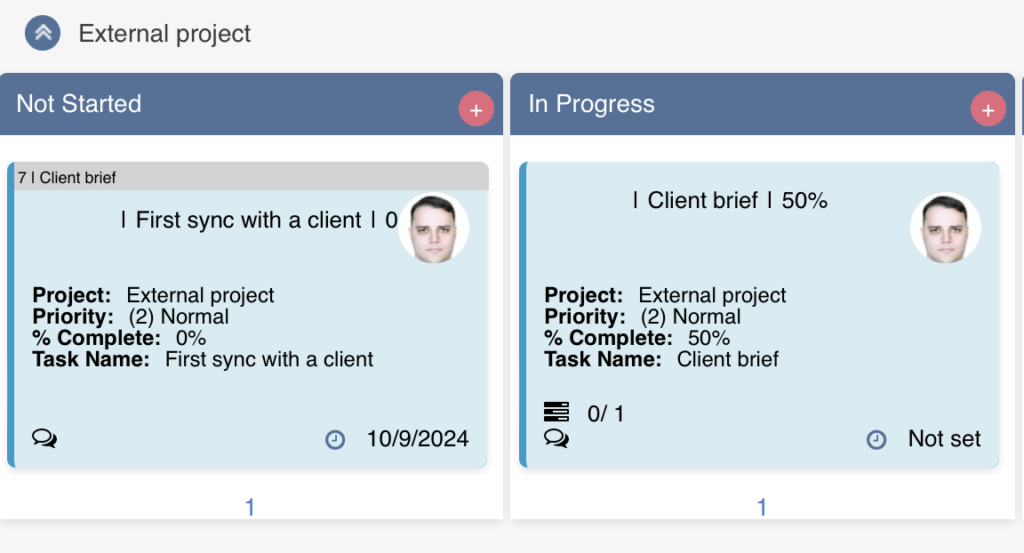
Subtasks on a kanban board
You can show or hide subtasks by clicking the show or hide icon. This option enables you to view only parent tasks.

Subtasks will appear on the board with a gray heading containing the subtask ID and the parent task’s name.