Full view
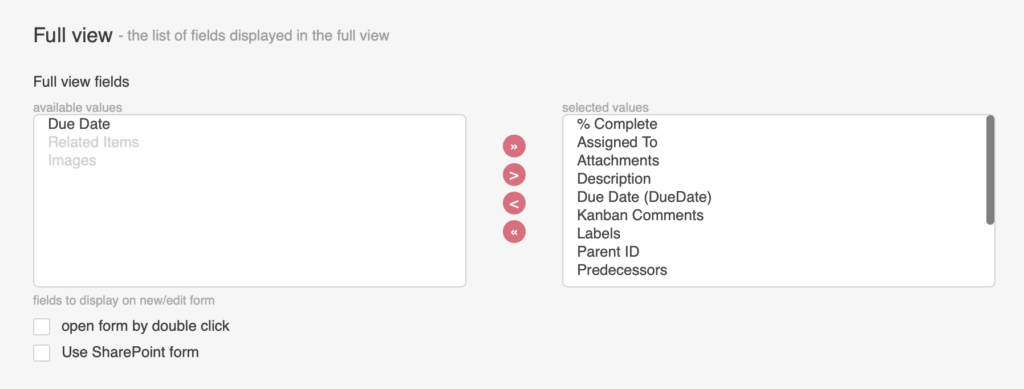
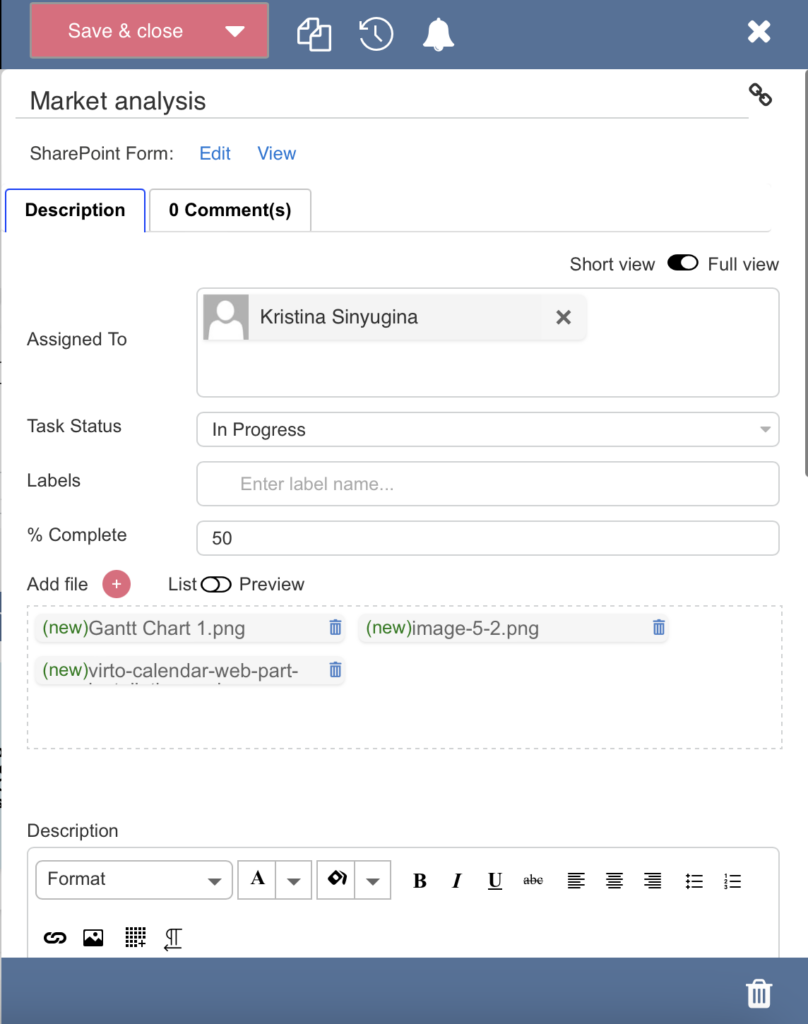
In full view, you can adjust the create/edit task form and choose which list fields to display.
The checkbox “open form by double-click” allows you to open this form by double-clicking on the task. You can change the order of the fields in the full form by selecting a field and moving it up or down in the list using the arrows.