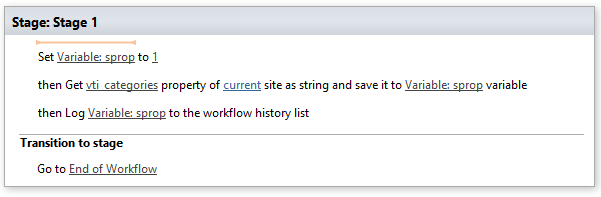
Get site property as string
This activity represents requested site property as string.
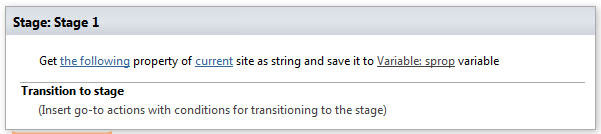
SharePoint Workflow Designer Phrase
Get the following property of current site as atring and save it to Variable: sprop variable.
Parameters
Input parameters
| Parameter | Description | Example |
|---|---|---|
| The followingproperty | Site property which youwant to get | MySiteProperty |
| current site | Optional. Site which property you want to get. Default value is current siteurl. | https://contoso/SiteUrl; https://contoso/Sites/SiteUrl;[%Workflow Context:Current Site URL%]/subSite |
| Variable: sprop | Result (set by this activity). After successful workflow execution contains requested site property. |
Example