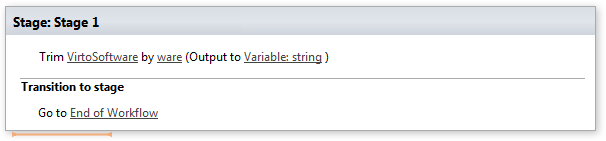
Trim string
Note: Virto Workflows for Office 365 is no longer sold. The add-in and the SharePoint 2013 workflows it adds actions to stopped working in SharePoint Online on April 2, 2026, when Microsoft retired SharePoint Add-ins and SharePoint 2013 workflows. This documentation is kept for reference.
This activity allows removing symbols from the text and store result in variable.
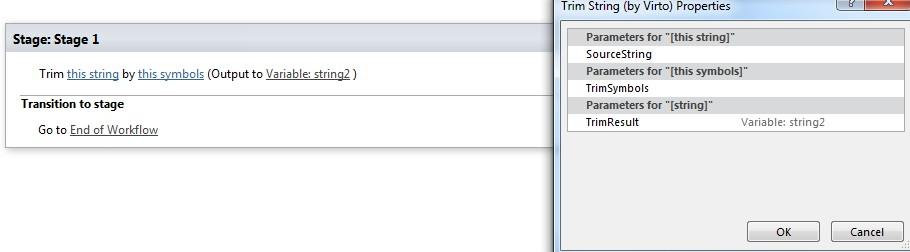
Parameters
Input parameters
| Parameter | Description | Example |
|---|---|---|
| This string | String from which all leading and trailingoccurrences of trim symbols will be removed. | Any string |
| This symbols | Symbols to be removed. | Any symbols |
| Variable:string | Trimmed string. |
Example