Creating a Task
Virto Gantt Chart App for SharePoint Online supports creating tasks right in the chart. The same changes will be done in the source SharePoint list.
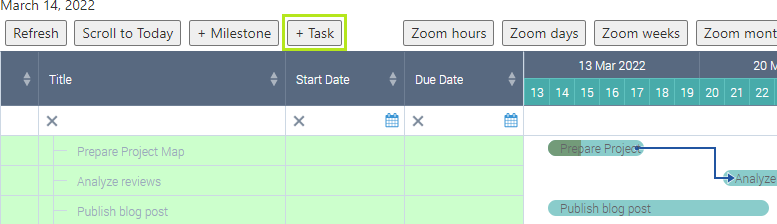
Click **“+ Task”**button.
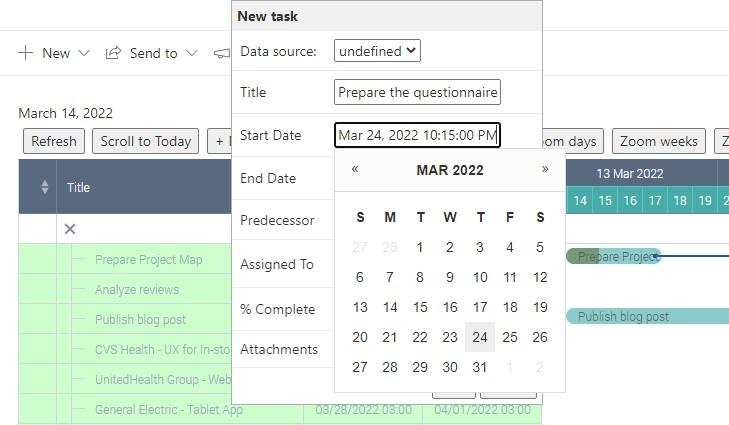
Specify the task name, choose the data source list (for Gantts with multiple data sources), define the start and end dates. You also can set predecessor, add attachments, set the percent completion and assign the task to a user or group.
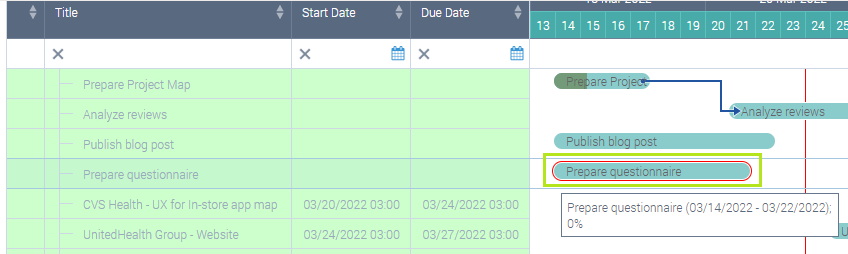
The new task will appear in the table and on the chart depending on its start/end dates and relations with other tasks.