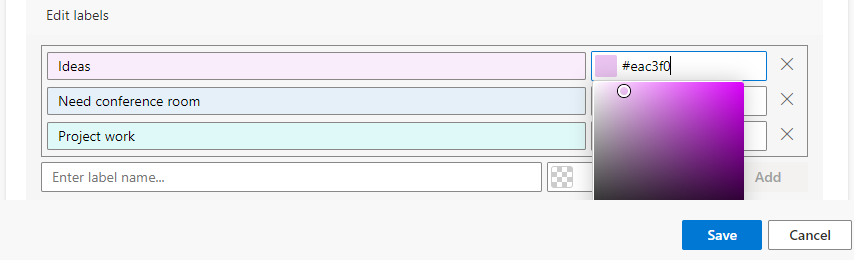
Labels
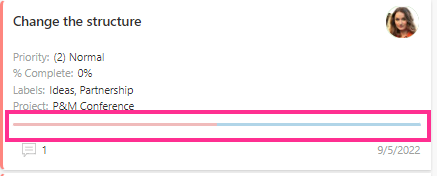
Labels in Virto Kanban Board App are color-coded tags on Kanban cards.
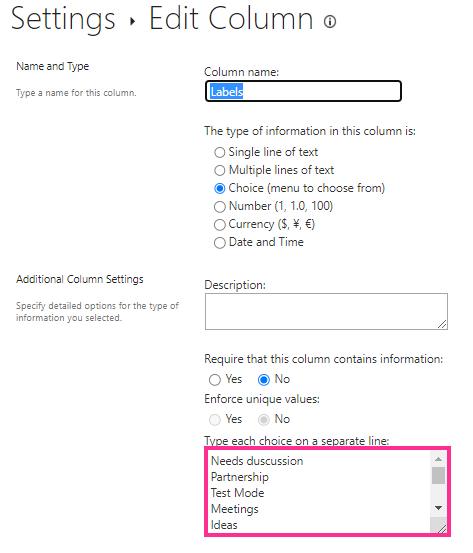
The label values are taken from a custom multi-choice column added to your Kanban list. If you navigate to a list (“List settings”), you can see these fields and their values.
You do not have to work with the source SharePoint list settings in Virto Kanban Board App to adjust labels. Specify label names and choose appropriate colors for them.