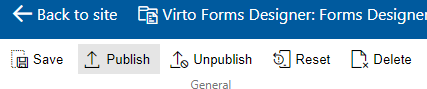
Saving a SharePoint form
You can create SharePoint forms for the following views of an item or folder:
- Edit form;
- New form;
- Display form.
Choose the required view and click save to apply the adjusted form for this view.
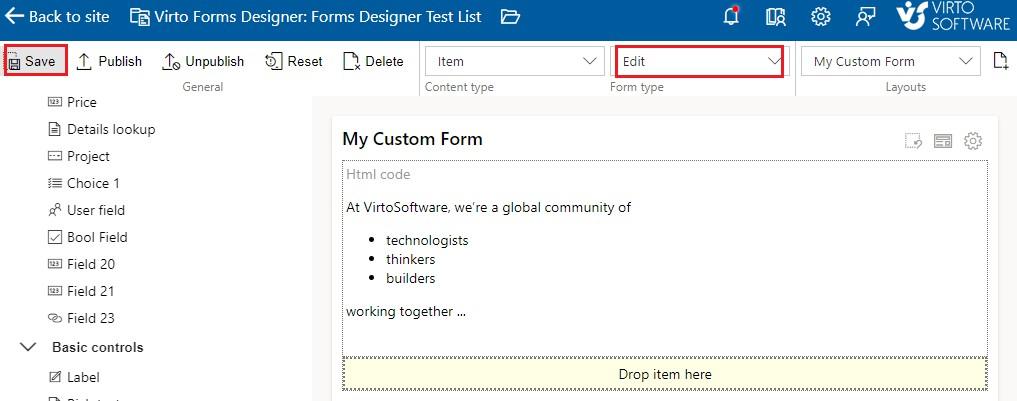
Click “Publish” if your form is ready for publishing on your site.