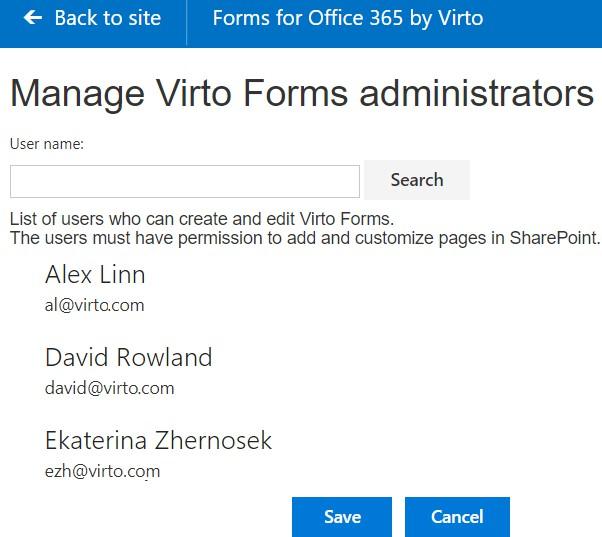
Create and Edit Virto Forms Permissions
When you have permission to add and customize pages in SharePoint (see the instruction above), you can run Virto Forms Designer from an icon on the ribbon or Site Contents.
Open the forms designer settings Click on the button “Users” on the Virto Forms Designer ribbon.
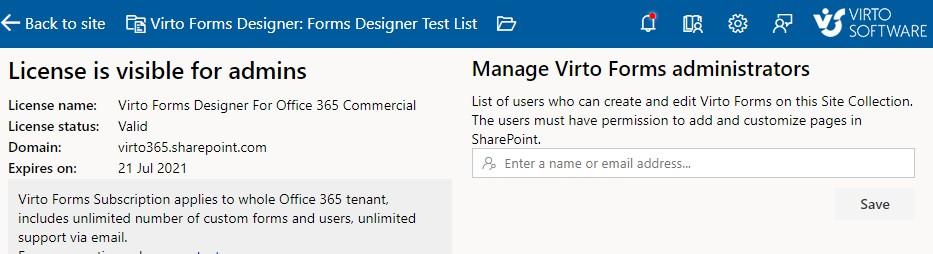
The site administrator who added the add-in to current site collection is displayed in the list automatically. Users with site administrator permissions can’t be deleted from this list.