
Fields compatibility
To adjust the board correctly, you need to know how the different types of fields correspond to future board card fields. This is especially important when merging multiple lists into a single board.
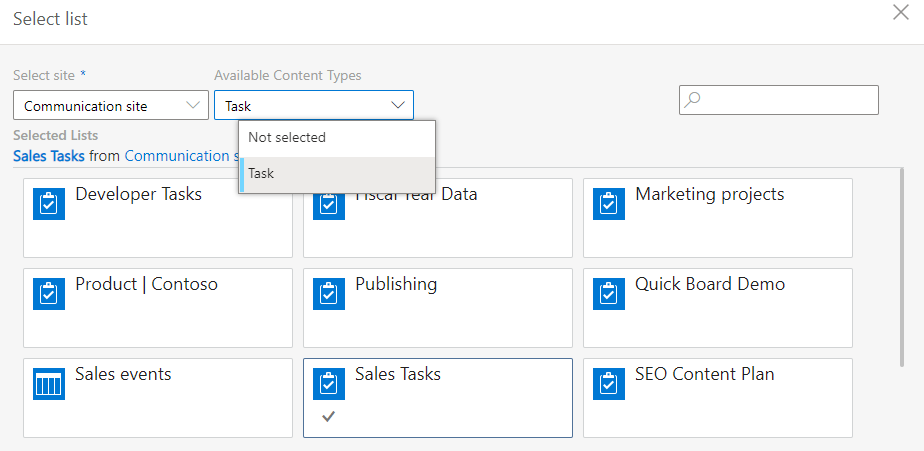
The “Available Content Types” drop-down menu in the list settings allows you to select the lists containing the chosen content type. The “Task” content type is the most appropriate for a Kanban board and usually contains all fields required for board creation.
To use swimlanes, please check that the SharePoint list contains fields with several values, such as “Choice,” “Multichoice,” “User,” “Lookup,” or “Boolean.” Check for a “Multiple Lines of Text” type column to use comments. This field will be used to keep comments on the list.
If the required fields are not in your SharePoint list, you can add them to the card settings.
Finally, you can always create a quick board with all the necessary fields and preferences added automatically.