
Virto License Manager
The License Manager is the tool used to activate licenses for VirtoSoftware components and to display the current subscription status of these components. It is included in the installation package for each VirtoSoftware product.
The documentation covers the following versions:
| Name | Version | SHA-256 |
|---|---|---|
| Virto Web License Manager for SharePoint 2013 | 3.1.13 | Not published |
| Virto Web License Manager for SharePoint 2016 | 3.2.12 | 616244684638CF156F2DCEC8E0D3489599FD443556B447E442661FF0F0EED857 2016 checksum file |
| Virto Web License Manager for SharePoint 2019 | 3.2.12 | 3D0C90A18C54D59D058D687413BDE9D454956435441D0D4617D84F60CBE19BFA 2019 checksum file |
| Virto Web License Manager for SharePoint SE | 3.2.12 | A94ACC47E7D912AB80BDE57E0AFCBDE3B53DC6DEB35695A896B750051E866584 SE checksum file |
Download License Manager:
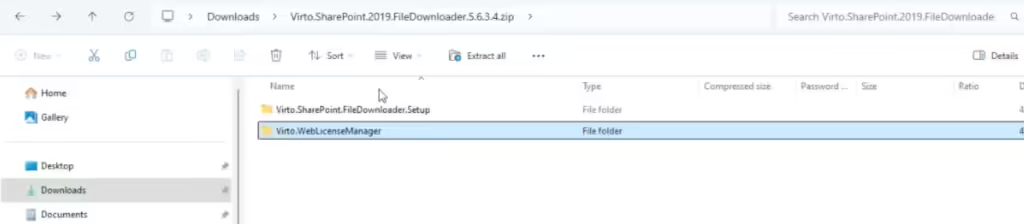
Usually you do not need to install the License Manager separately: it is installed or updated together with each Virto product. If a Virto product reports that the installed License Manager is older than it requires, update the License Manager as described in Installing and updating the License Manager (see In this section below).
If you have purchased multiple products, each must be activated separately. The activation process is the same for all components. If the same serial number is active on more than one server, Virto products show a duplicate activation warning. If you have purchased a Virto ONE License, it only needs to be activated once.
If you have any questions about using or updating the License Manager, please contact our support team at support@virtosoftware.com or through this form.