
Contact us

Filter settings

You can use both default and custom filters for tasks.
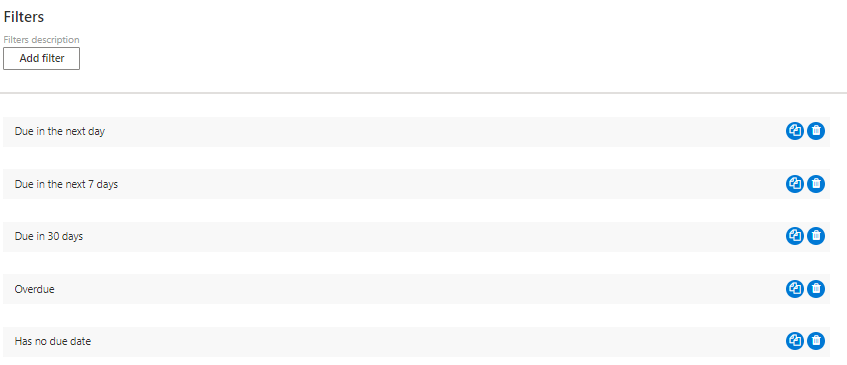
Filter settings in Virto Kanban Board listing default and custom task filters
Filter settings

Click “Add filter” and define the custom conditions. Check the “is enabled by default” box to apply the filter to the default board view.
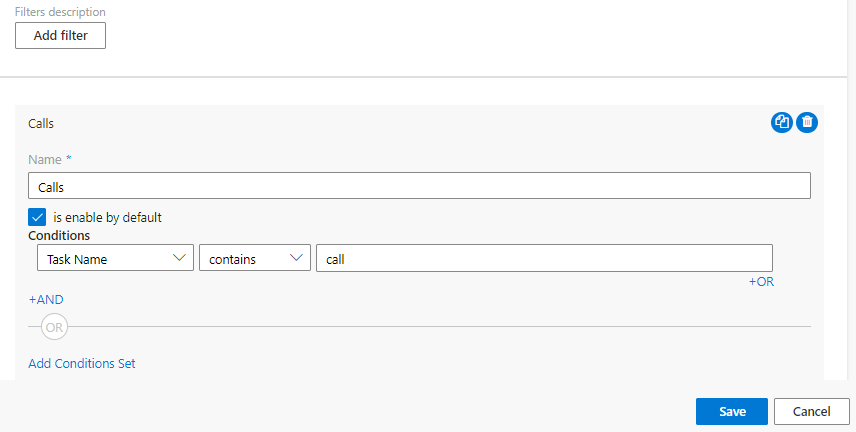
Add filter dialog in Virto Kanban Board with custom conditions and the enabled-by-default checkbox
New filter

You can copy or delete a filter using the icons to the right.
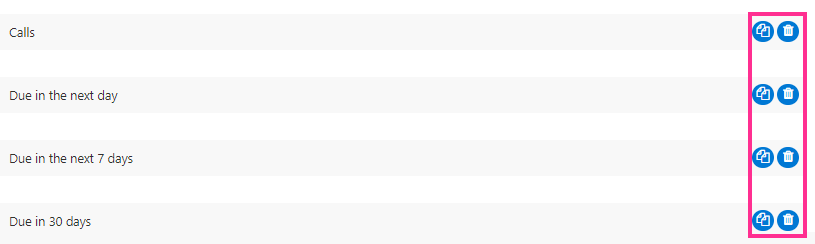
Copy and delete icons beside a custom filter in Virto Kanban Board filter settings
Copy or delete filters
Updated on June 17, 2026