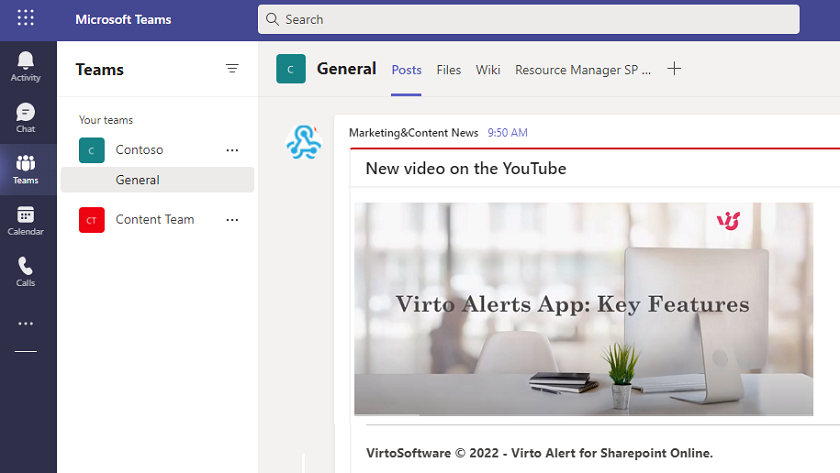
Preview image and video URLs in Microsoft Teams alerts
Use case description
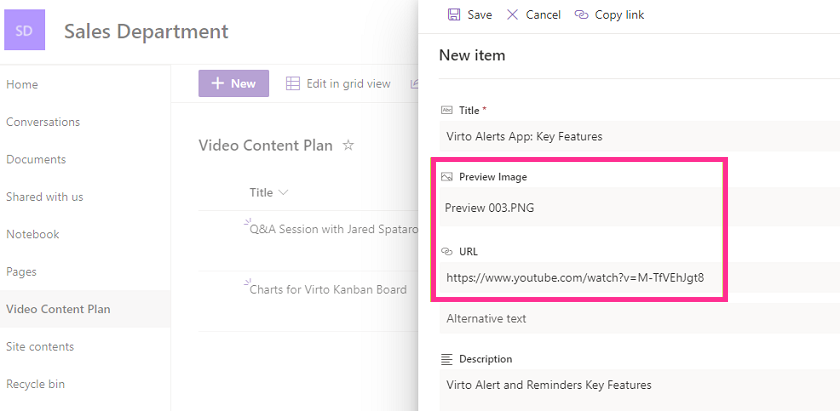
We are going to work with the “Video Content Plan” list, which contains data about videos published on the corporate YouTube channel. We want to notify the team of newly added videos using the Video Alerts & Reminder App. When a new item with a video description, preview image, and video URL appears in the list, we need an automatic alert with a clickable preview image to go to the Microsoft Teams channel.
Step 1: Choose the list and add a complex link
First, choose the right source list. For a new notification, find a SharePoint list with “Image” and “Hyperlink” column types.

Choose this list when you create a new alert.
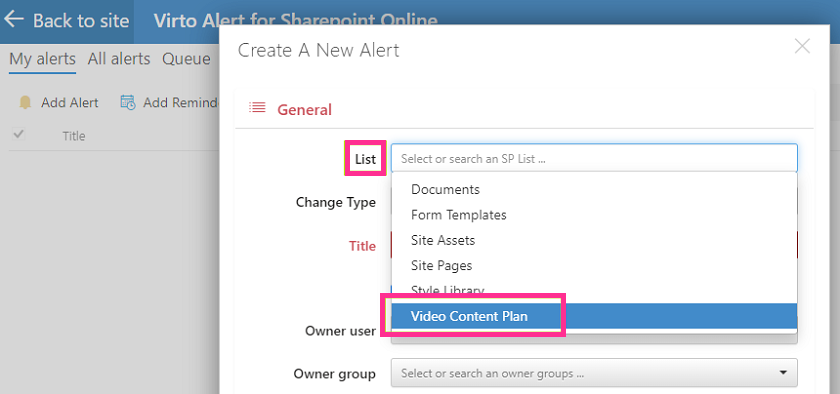
To make this the chosen alert trigger, make sure you select “New items are added” in the “Change Type” field.

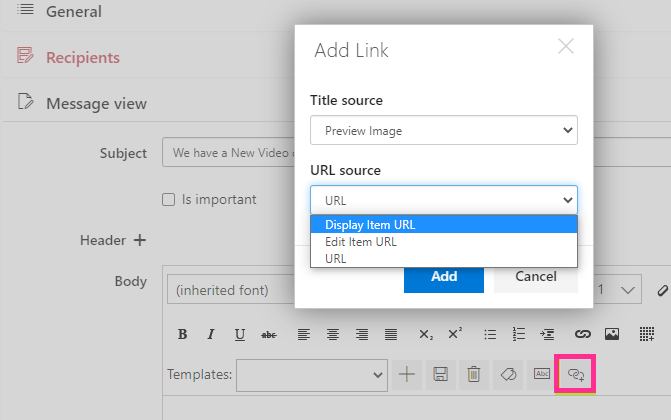
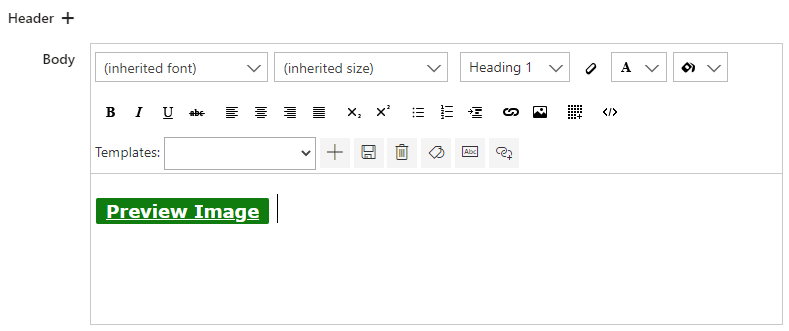
Add a complex link to the alert in the “Message View” block as described in the “Complex links” section. The title source is “Preview Image,” and the URL source is “Display Item URL.”
Step 2: Add the webhook
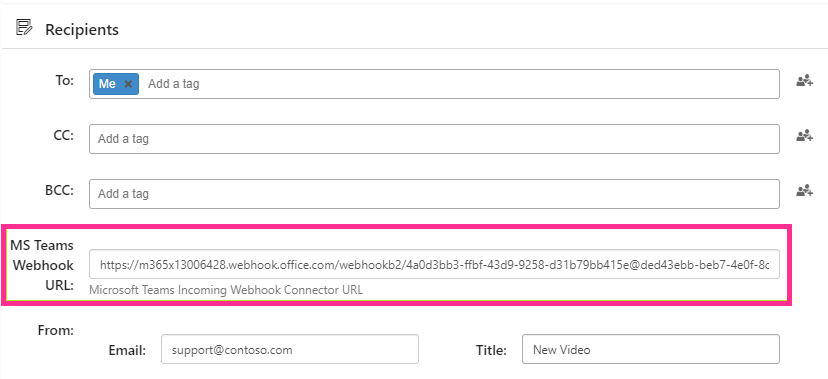
To send this alert to the Teams channel, you need to create and insert the webhook by following these simple steps and inserting the webhook URL in the “Recipients” section. Remember to save the new alert.
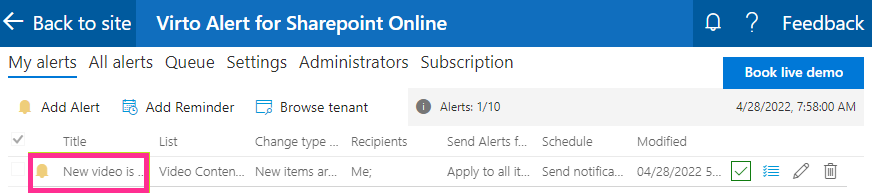
Check the new alert you have just created.
Step 3: Enjoy the result
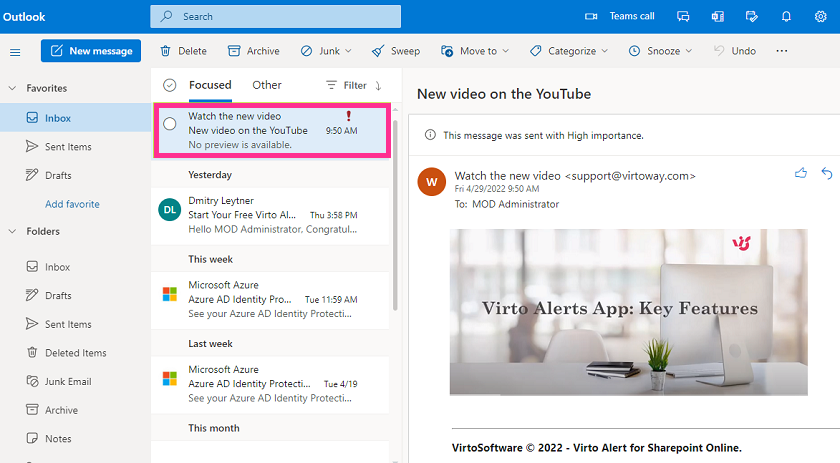
Once someone adds a new video to the list, an email notification containing the clickable image will now be sent to the chosen recipients. When users click the image, they will be redirected to the YouTube video.
The same message will appear in the chosen Teams channel.