Contact us

Uninstalling the Virto Calendar web part

To uninstall the component, follow the steps below.

  1. Double-click the Setup file extracted from the downloaded package.
  2. The program will perform the system checks again. After that, you will be prompted to repair or remove the web part. Choose “Remove” and click “Next.”
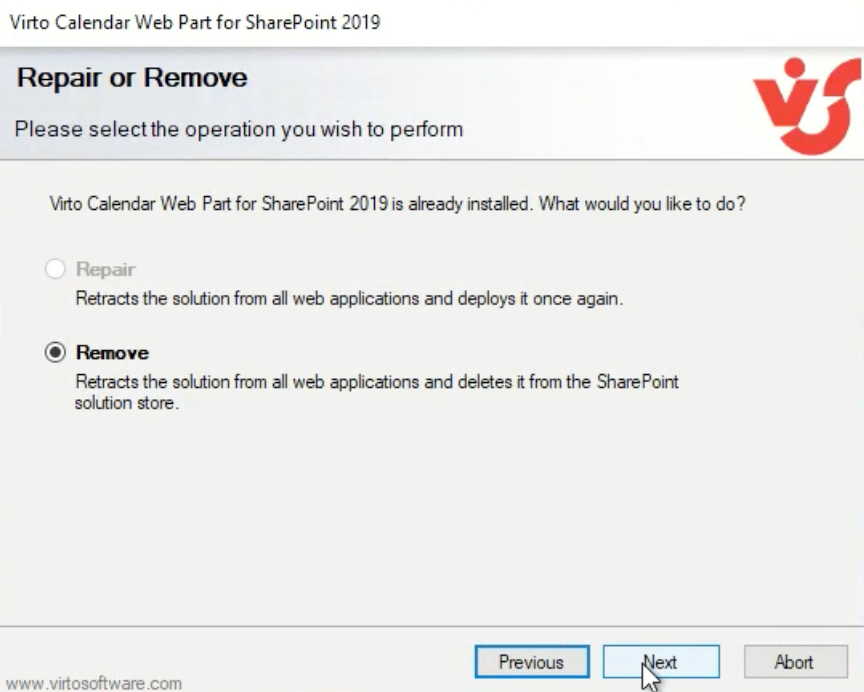
Choosing the Remove option in the Virto Calendar setup wizard to uninstall the web part

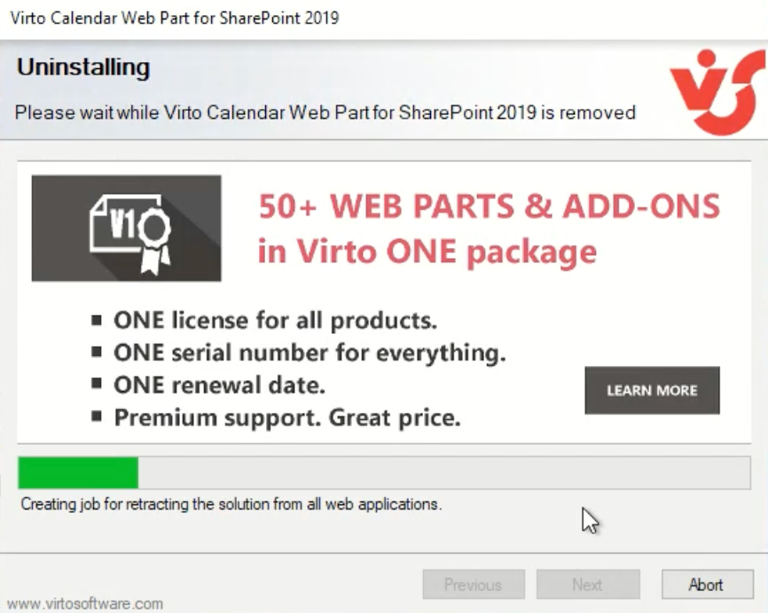
Wait for the product to uninstall.

Virto Calendar web part uninstallation progress in the setup wizard

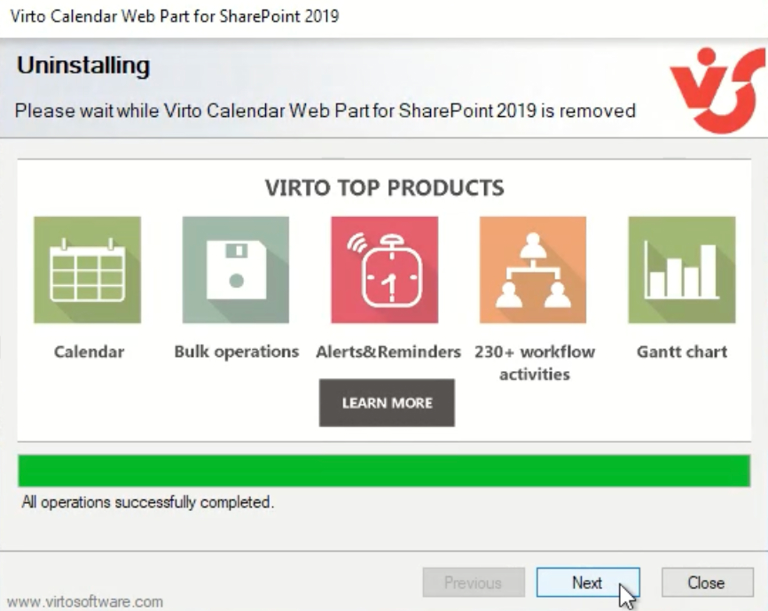
Click “Next”.

Virto Calendar uninstall step prompting to click Next to continue

Click “Next” once again.

Second Next prompt in the Virto Calendar setup wizard during uninstallation

Click “Close” to finish the uninstalling.
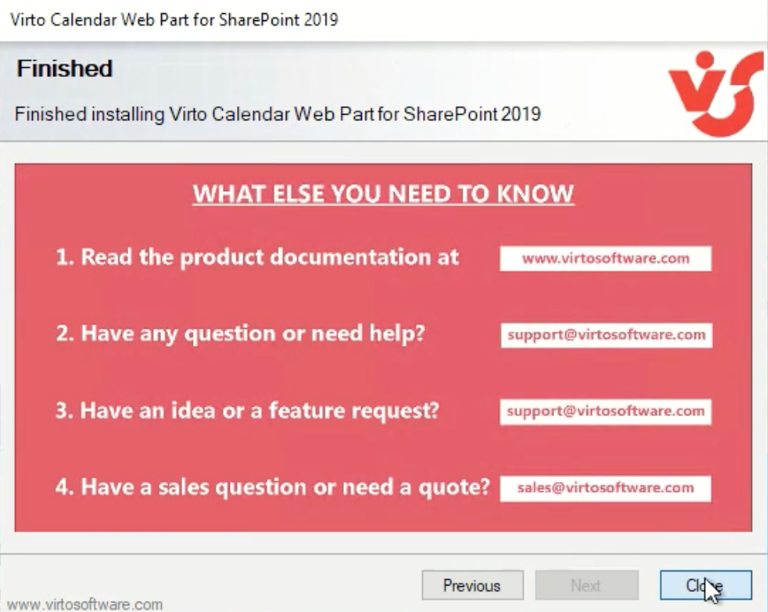
Final uninstall screen with the Close button to finish removing the Virto Calendar web part

Updated on June 17, 2026