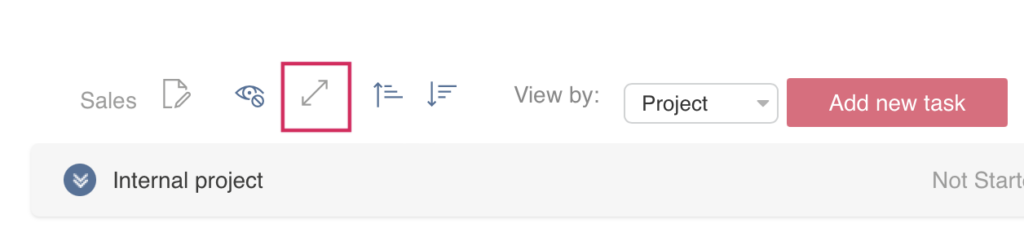
Using swimlanes
Swimlanes offer an additional way to categorize Kanban tasks. You can divide the cards horizontally, for example by project, user, or priority, and easily drag and drop tasks between swimlanes.
Multichoice fields are used for swimlanes, and the swimlane settings are detailed in the Swimlanes section. You can also change the field used for swimlanes directly on the board by selecting an option from the “View by” drop-down menu. This allows you to quickly adjust how your tasks are grouped and organized without needing to open the settings.
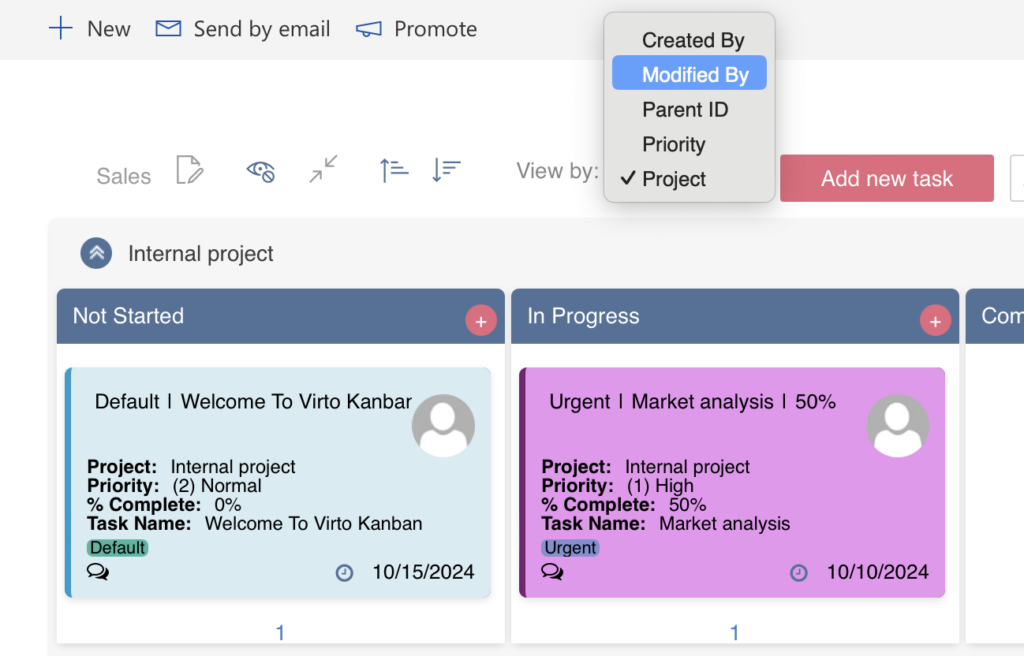
Additionally, you can collapse or expand all swimlanes at once using the collapse or expand icon.
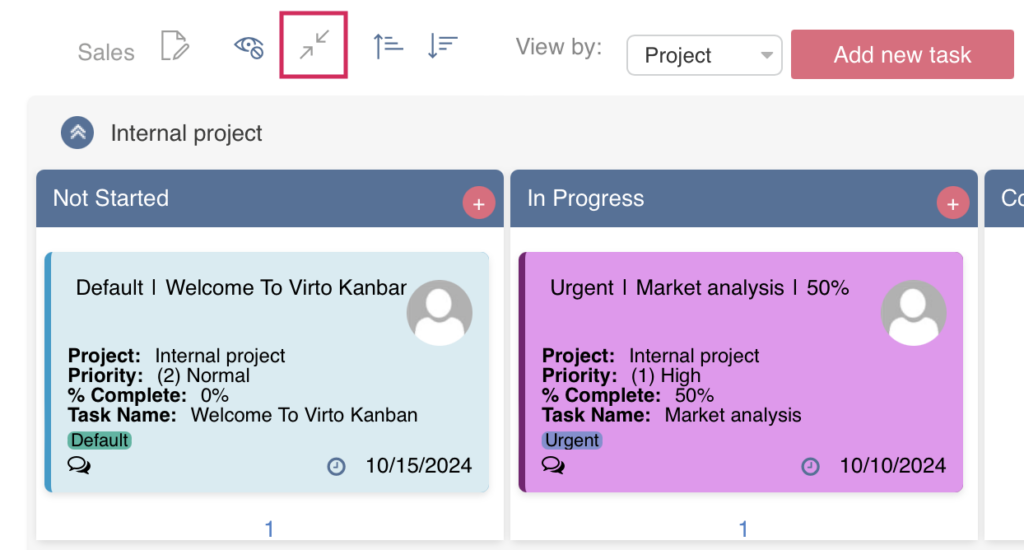
The collapse option is particularly useful when you have many swimlanes and want to view them all without scrolling.