Installing Virto Active Directory User Service for SharePoint 2010
Before you begin, you need to make sure you have access to the server and your account must have the appropriate administrative privileges to install applications.
Virto SharePoint Active Directory User Service for SharePoint 2010 setup program provides links to the various installation components.
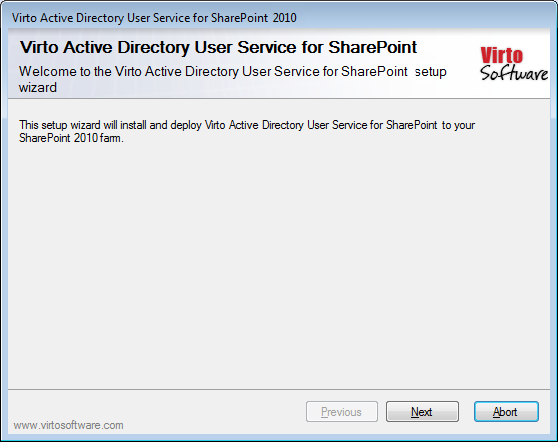
To access Virto SharePoint Active Directory User Service for SharePoint 2010 Setup program download Virto.SharePoint.2010.ADConfigFeature.zip file and unzip it. Run extracted Setup.exe file. The setup wizard window will appear.
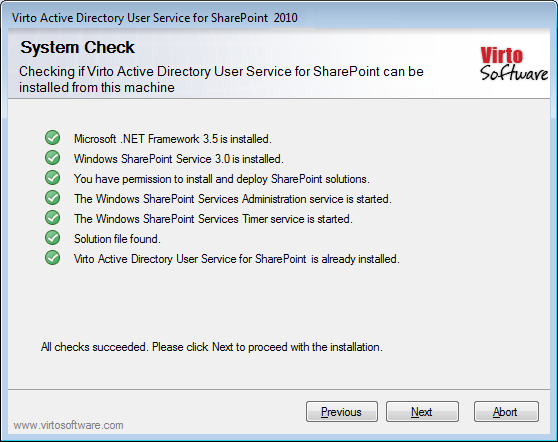
Virto SharePoint Active Directory User Service wizard performs a system check prior to the installation. All the system checks must be completed successfully in order to proceed with the installation. After the checks have completed, click “Next”.
Check “I accept the terms in the License Agreement” and click “Next”.
Select the web application(s) where you want to install the product.
Warning: You must be logged in to the SharePoint server with a Site Collection Administrator account to automatically activate this feature.
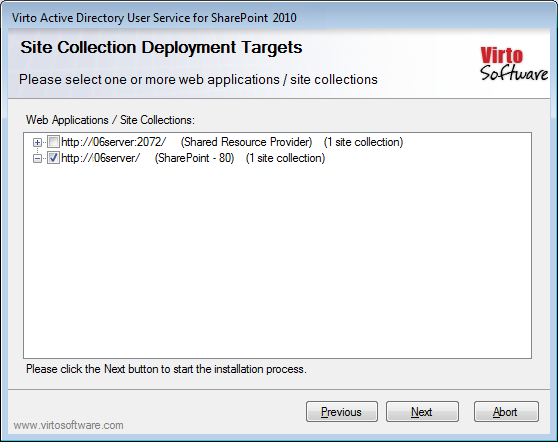
Then click “Next”.
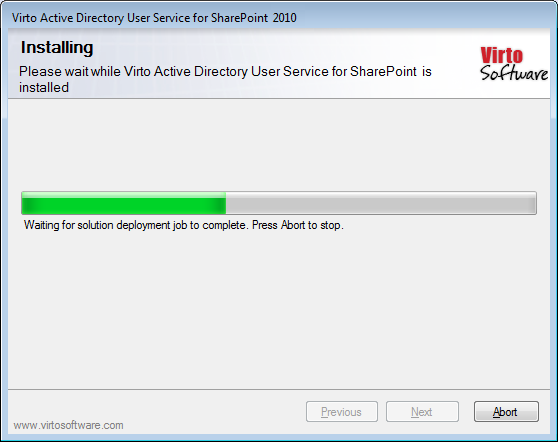
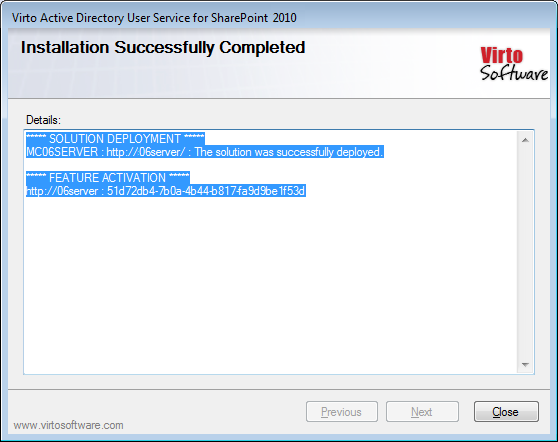
Click “Close” to complete the installation.