Child Task
Sometimes you need to define parent-child relations between tasks on the Gantt chart. If a Task listis chosen as a data source, you can add child tasks. If a task has at least one child task, it is displayed as a summary task.
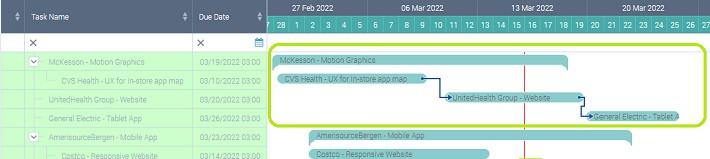
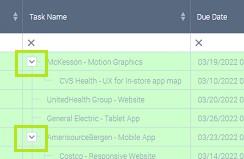
On the left part summary task appear with an arrow and ability to collapse the child tasks.
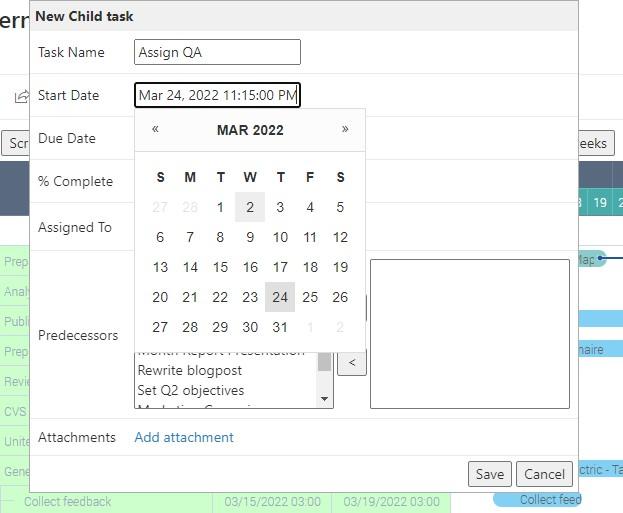
To add a child task, click the summary task in the left part of the app and use “+ Child task” button. In this case SharePoint list data source must be also a task list.
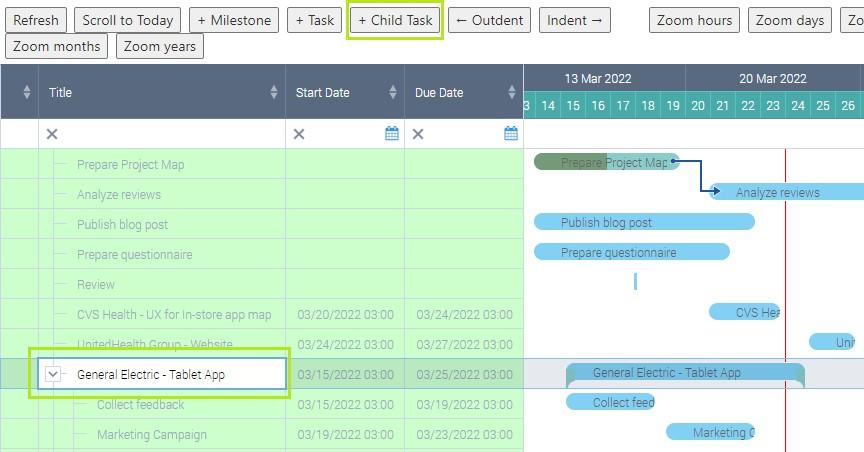
Fill in the fields to add the child task.
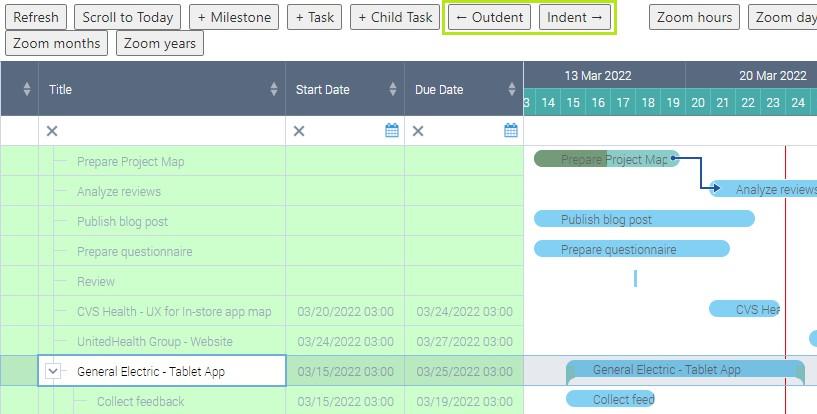
You also can change the position of summary tasks by using “Indent” and “Outdent” button. This way you can create complex strutures of tasks with multiple levels.