
Short view and full view
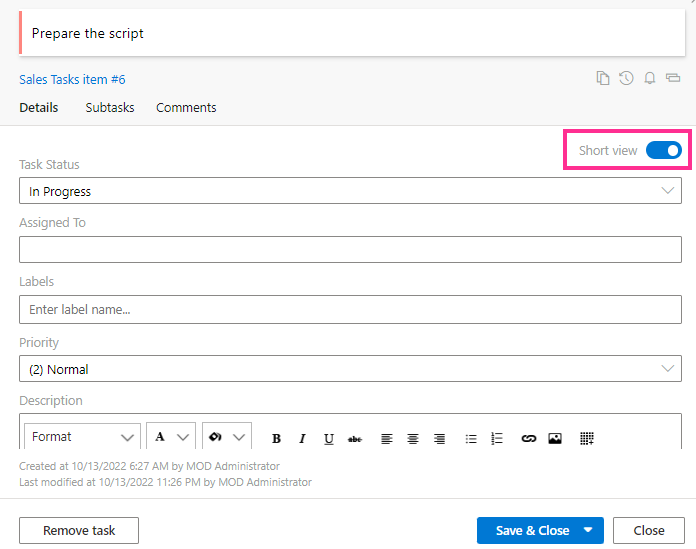
When you click a card on your Kanban board, its task view form opens. You can switch between “Short view” and a “Full view” for the selected card.
In the “Cards Setup” tab of the settings, you can choose which fields to display for both views.
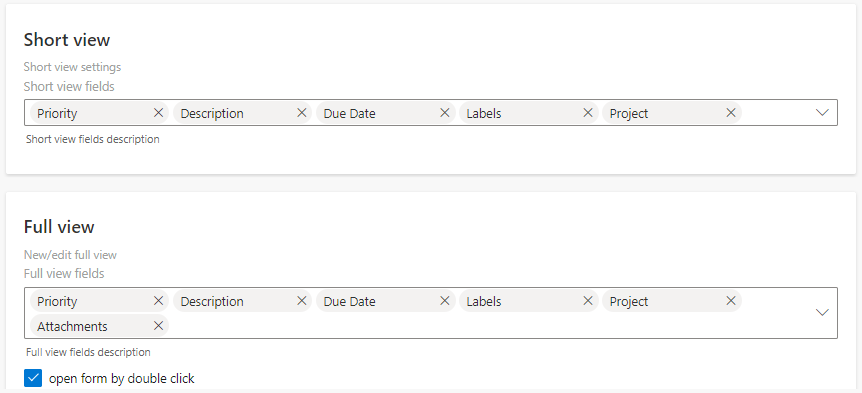
If you tick the “Open form by double click” checkbox, you can open the full view by double-clicking the card without first opening the short view and then switching to full view.