
Contact us
View as Markdown
Ask AI

Open this page in an AI assistant with a ready-made prompt.

Opens a third-party service and shares a pre-filled prompt containing this public page URL, its product documentation URL and /llms.txt. No VirtoSoftware account or tenant data is included. Provider terms and privacy policies apply. Verify answers against the linked documentation.

OpenAI terms · OpenAI privacy policy · Anthropic terms · Anthropic privacy policy

Accordions

An accordion can contain any other controls, excepting Tabs.
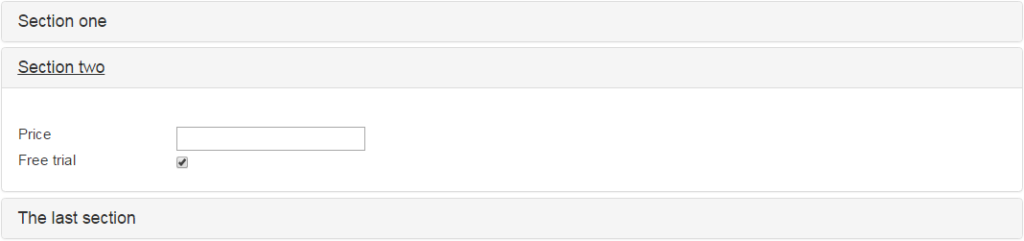
Accordion control on a SharePoint form holding other controls except Tabs

To add more accordions to existing form click “+ Add section”. Type new section name in the control properties. Remove the accordion section by clicking delete icon on the end of a chosen row. Delete all accordions by clicking on red “Remove” link.

Theme — the color scheme of the control: Default, Blue, Green, Gray or Yellow.

Then save changes to display created accordions.
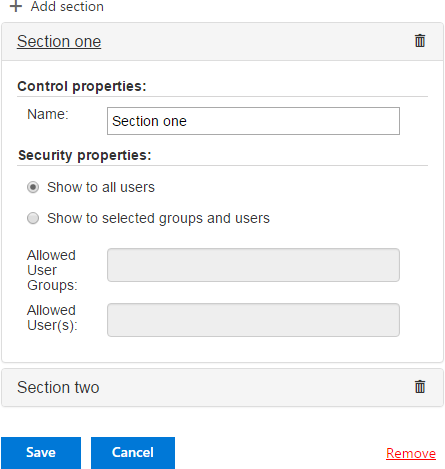
Saved SharePoint form displaying the created accordion sections

Updated on November 12, 2026