Working with Tasks in Virto Gantt Chart Web Part
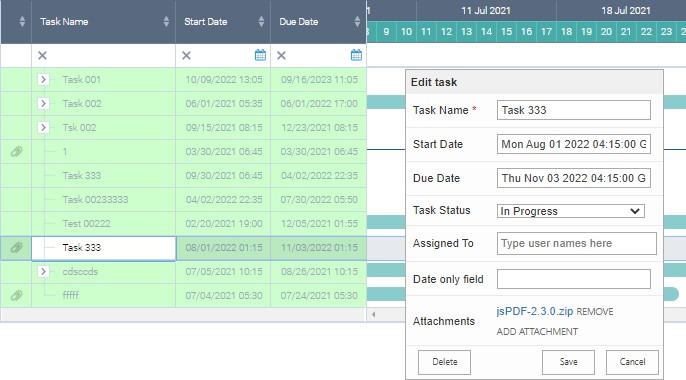
Virto Gantt Chart web part allows you to add, delete, move and resize tasks right on the chart.
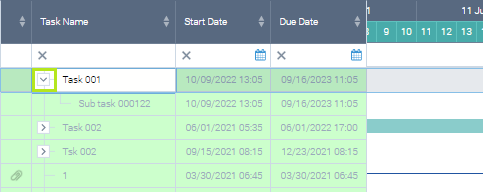
The structure of tasks is shown on the right. Click an arrow next to a parent task to see the child tasks related to it.
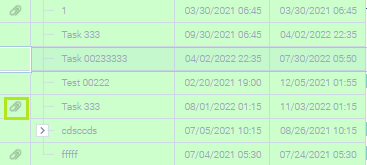
If a task contains any attachments, the attachment icon appears.
Double click the task title to see the details and open attachments or add/remove them.