
Creating AD Users with Virto Web Part
Go to the web part added to your SharePoint site page.
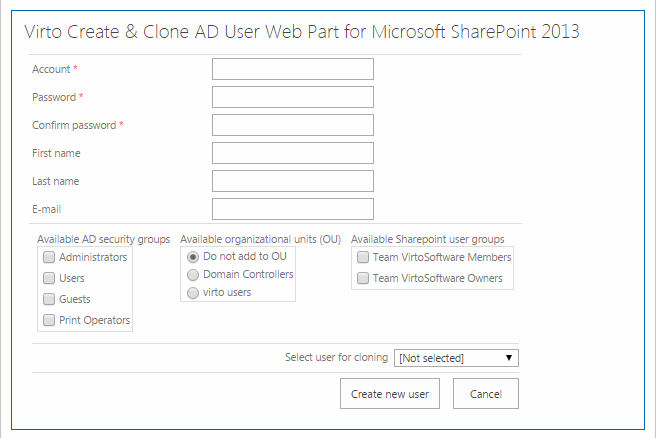
Enter account (new user’s login), his future password and confirm it. These fields are required.
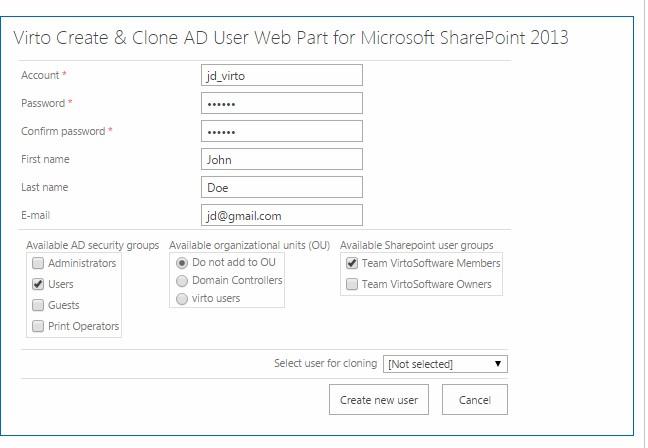
If adding to selected active directory user groups is allowed (see web part settings), select an organizational unit that new user will belong to.
If adding to selected SharePoint user groups is allowed (see web part settings), select a group that new user will belong to.
***Note:***if you select none SharePoint groups, new user will be created only in Active Directory.
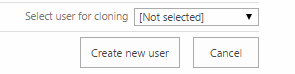
Leave “Not selected” value in the field “Select user for cloning” and click “Create new user”.
To view new user details, go to “Virto Active Directory Service Web Part” (please see web part information).