
Contact us

Using Created Workflow

Now go to SharePoint site to the list for which you have created the workflow. Click the required

element and select “Workflows” in the drop down.
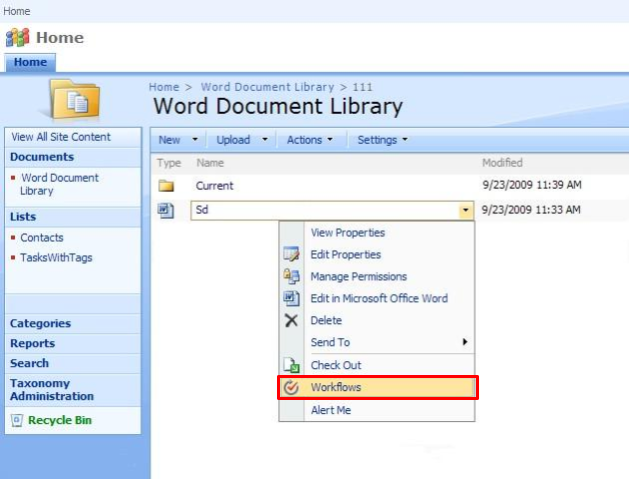
Selecting Workflows from a SharePoint list item drop-down menu to run a Virto workflow

Select the required workflow from the list.
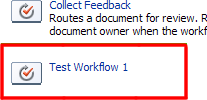
Choosing the required workflow from the available workflows list on a SharePoint list item

Then click “Start” to run the selected workflow.
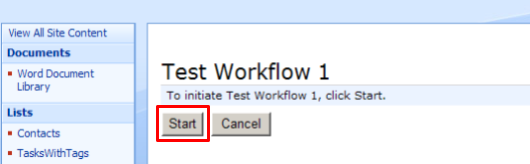
Clicking Start to run the selected Virto SharePoint workflow on a list item

Now see the result of workflow activity (creating of a directory on the FTP server in this case).
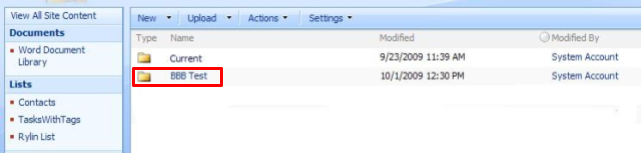
SharePoint document library with the newly created ‘BBB Test’ folder highlighted as the Virto workflow result

Updated on October 24, 2024