
Classic calendar settings
How to find the calendar settings menu on classic pages
The calendar configuration can be adjusted in the settings menu.
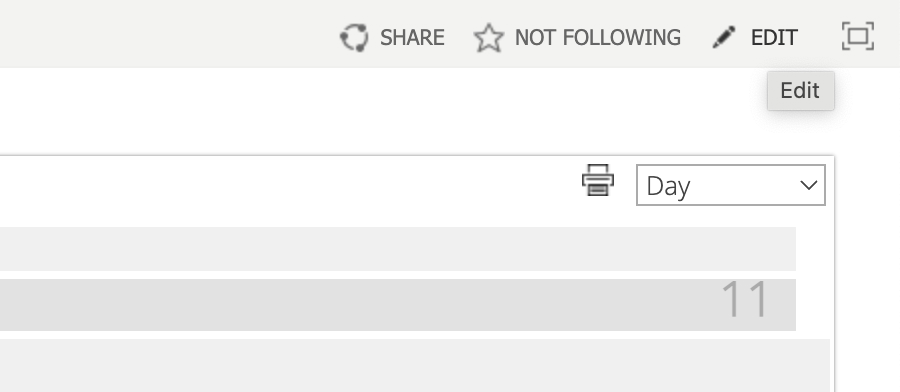
Click “Edit” in the upper right corner.
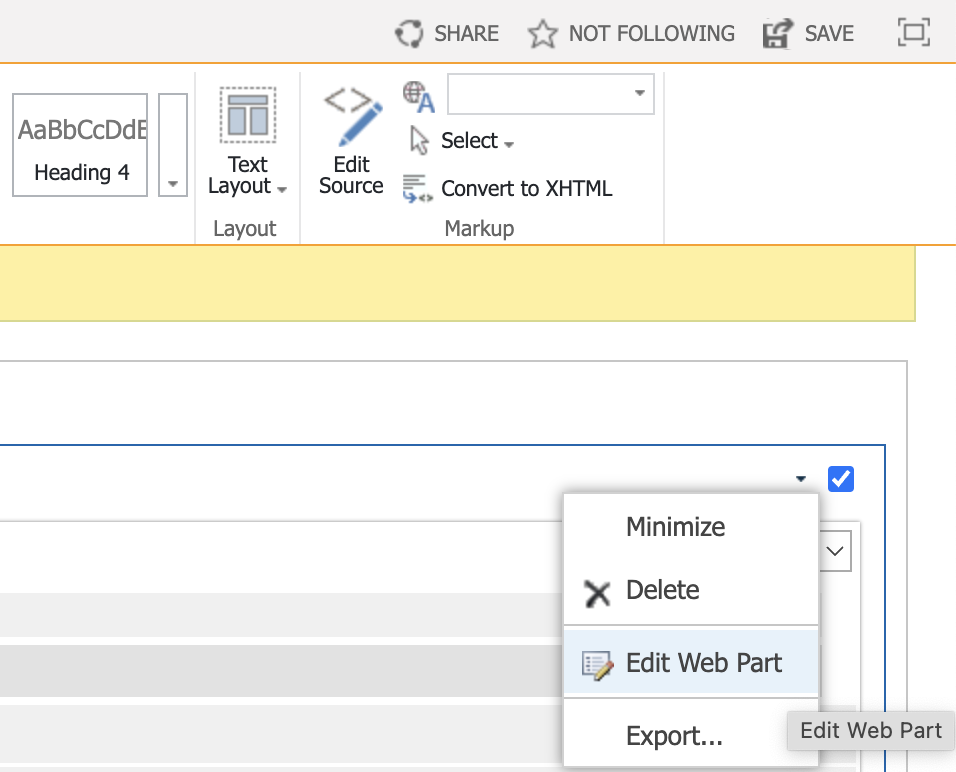
Select “Edit Web Part” from the dropdown in the upper right corner.
The settings panel will appear on the right side of the page.

Data sources are added in the “Data Source Settings” block of the same panel: click “Create New Source”, enter the source name and select the data source type (see Data source settings).
