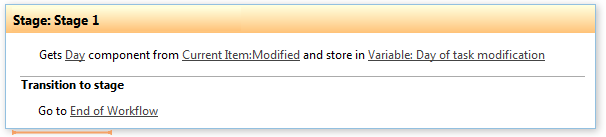
Get date property
This activity gets a date property and stores result in a variable.
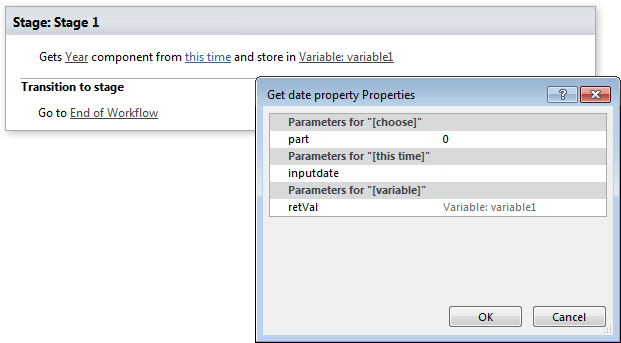
Parameters
Input parameters
| Parameter | Description | Example |
|---|---|---|
| Component | Date part type. Select it from predefined values. | Year, Month, Day, Hour, Minute, Second, Ticks, Day Of Week, Day Of Year, Week of Year |
| This time | Inputdate. Date value you want to get. | [%Variable:updatedDate%], [%CurrentItem:Created%] |
| Variable | Returns part of a date. If date is null returns -1. |
Example