Swimlanes
Swimlanes are an additional option for grouping tasks horizontally.
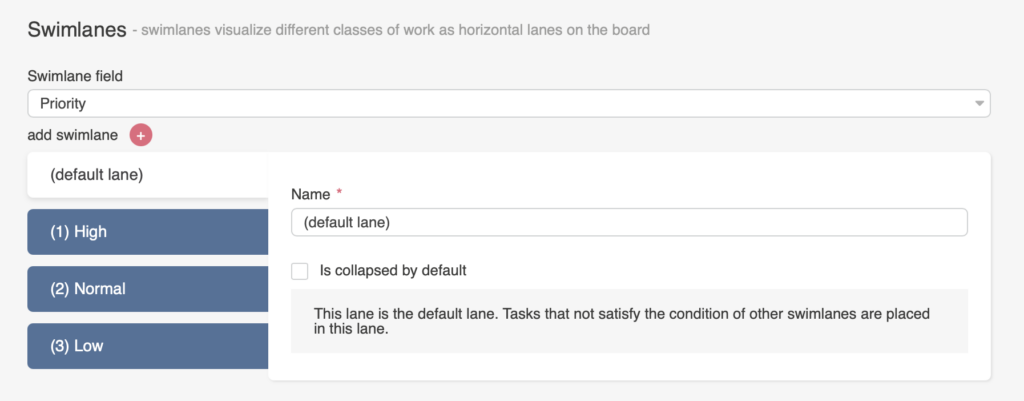
Choose one of the appropriate fields for swimlanes, such as project, priority, created by, etc.

The default swimlane is used as the main Kanban section if no other swimlanes are selected. Any tasks that do not meet the conditions of other swimlanes are automatically placed in the default swimlane.
You can create swimlanes by selecting a list field. For example, you can use swimlanes for task priority (“High,” “Normal,” and “Low”) or for the “Assigned User” field.
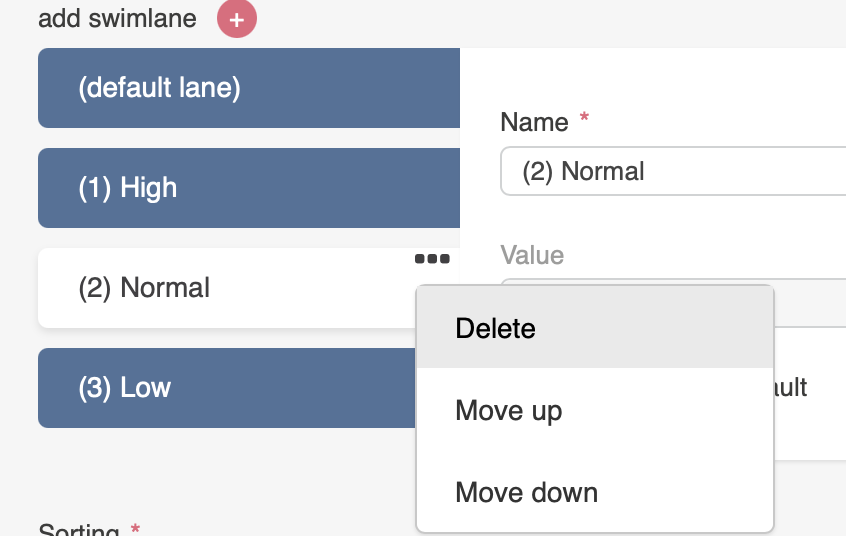
Select the swimlanes you want to display on the Kanban board. Click the three dots to remove a swimlane or move it up or down. Add more swimlanes by clicking the plus icon next to “add swimlane.” You can delete the default swimlane if desired.
You can rename swimlanes. If you check the box “Is collapsed by default,” the swimlane will be collapsed in a hidden view when you open your board. A swimlane will also be collapsed by default if it contains no tasks.
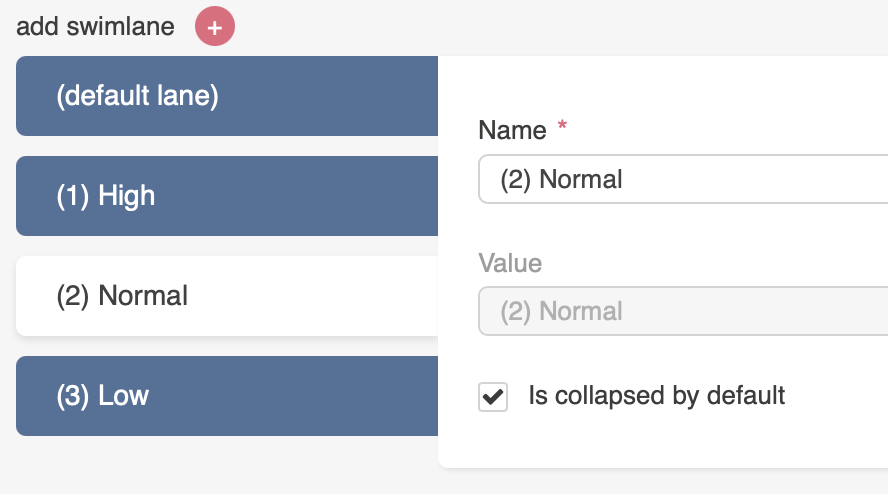
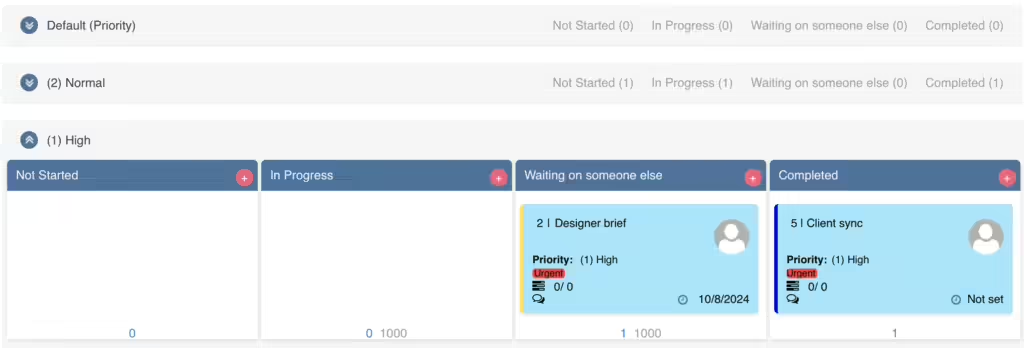
In this screenshot, the “Default” and “Normal” swimlanes are collapsed.
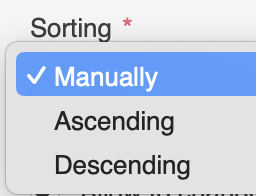
You can sort swimlanes manually or in ascending/descending order.
The “Allow to drag tasks between swimlanes” checkbox lets you move tasks between swimlanes, which will also update their status (e.g., “Priority”) in the source list.
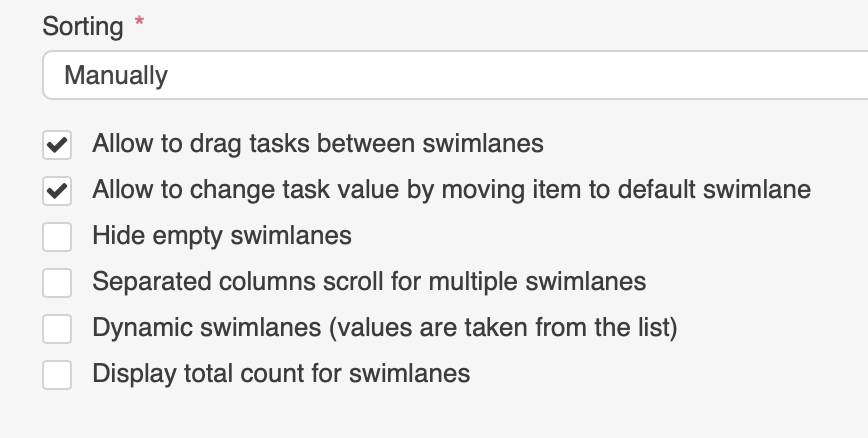
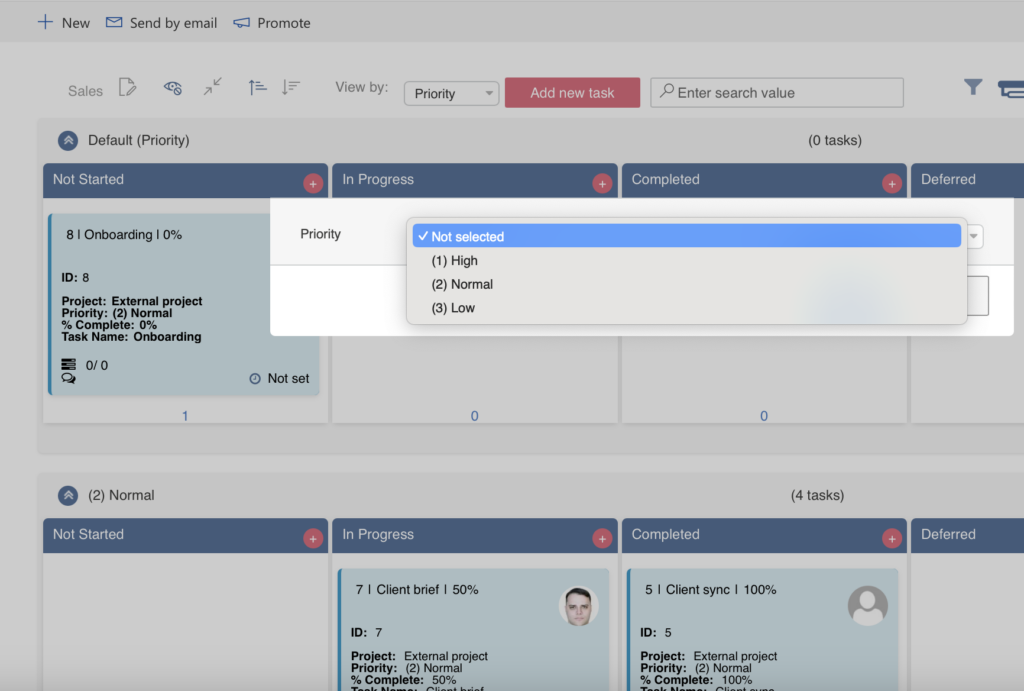
The “Allow to change task value by moving item to default swimlane” checkbox allows you to change a task’s value when it is moved to the default swimlane.
If this option is selected, a window will pop up where you can choose another value (Priority value in this example) or leave the field empty after moving the task.
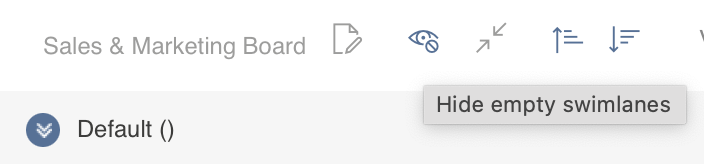
The “Hide empty swimlanes” option hides all swimlanes without tasks by default. You can show them using the “Show empty swimlanes” eye icon in the board header.
The “Separated columns scroll for multiple swimlanes” option allows you to scroll through multiple swimlanes separately.
If you enable the “Dynamic swimlanes” checkbox, the swimlane values will be pulled directly from the list, with no ability to customize them. This feature is useful if your source list’s swimlane values change frequently. In this case, you won’t need to update the swimlane settings on the Kanban board; they will be added or removed automatically.
If you always use a fixed set of swimlanes for your board, you can disable this option and customize the swimlanes more flexibly.
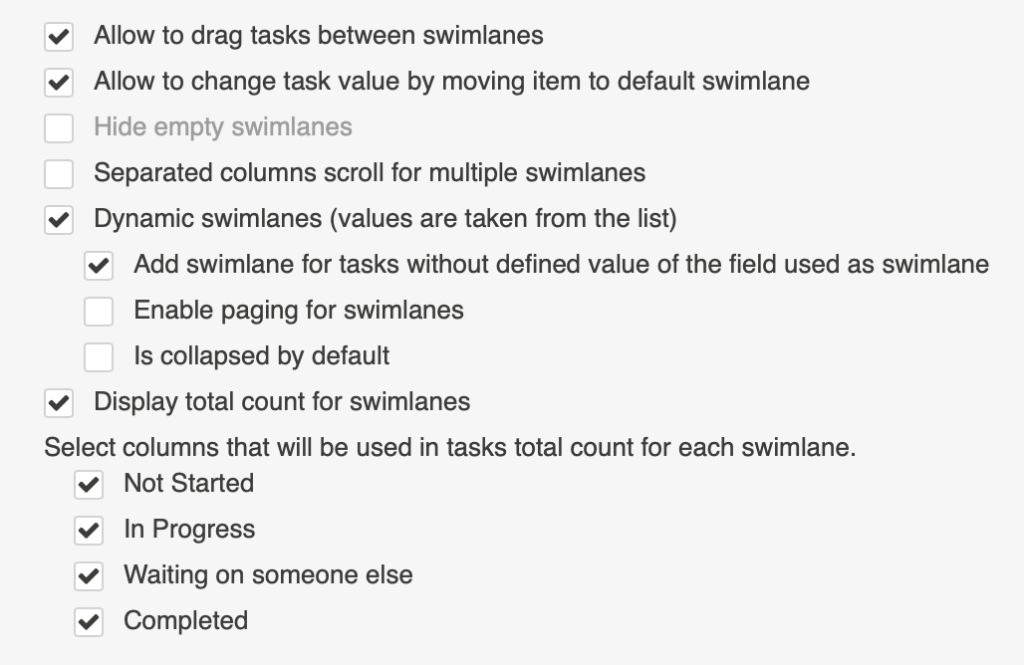
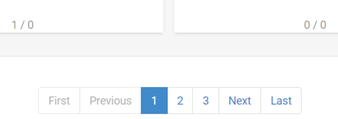
When using dynamic swimlanes with a list that contains many swimlane values, you can enable paging.
The second dynamic swimlanes option, “Is collapsed by default,” collapses all dynamic swimlanes by default.
The Total Count option for swimlanes calculates the number of tasks in the selected swimlane columns. You can check the columns you want to include in the calculation.
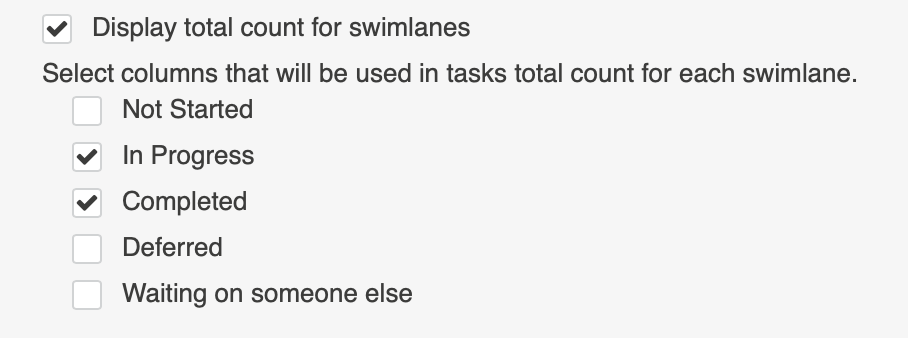
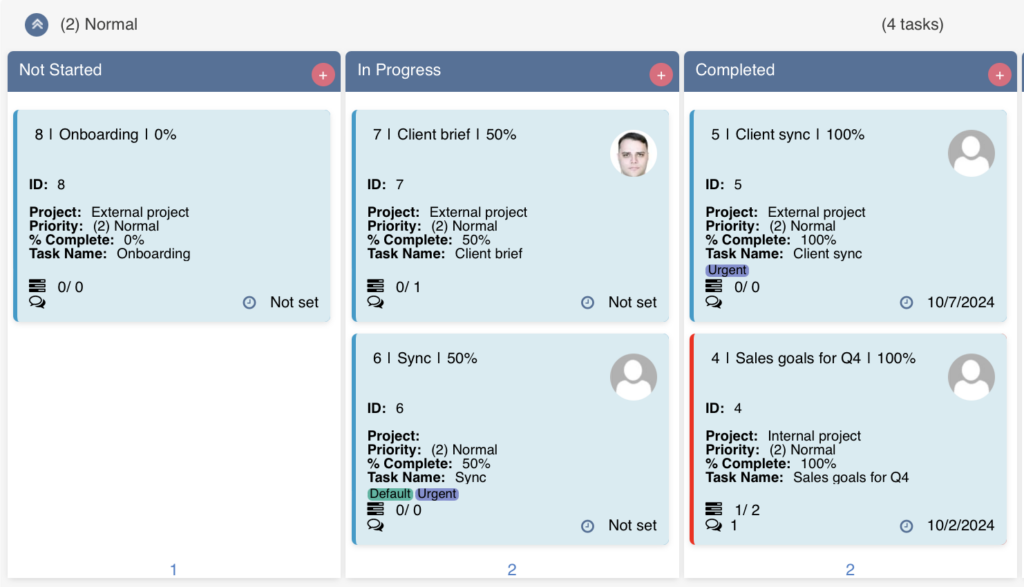
For example, the total count of tasks in the “In Progress” and “Completed” columns of the “Normal Priority” swimlane is four. The “Not Started” column was not included in the calculation.