Add/Remove folder
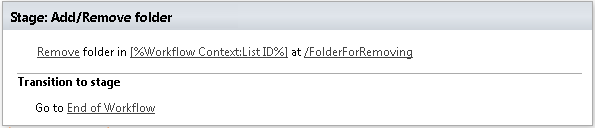
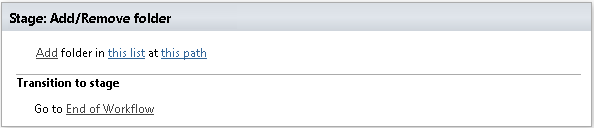
This activity allows to delete or create folder in a list or in a library on specified site. SharePoint Designer phrase
Parameters
Input parameters
| Parameter | Description | Example |
|---|---|---|
| Method | Add or Remove | Add(0),Remove(1) |
| List identifier | The URL of the library or of the list where the folder will be created/removed. The value could be list name, guid or list url (the web site relative URL. If the value field is empty,current list will be used. | Documents[%Workflow Context: List ID %]/Lists/Tasks |
| Site URL | The URL of a SharePoint site. If the value field is empty, current list will be used. | https://contoso/SiteUrl; https://contoso/Sites/SiteUrl; [%Workflow Context:Current Site URL%]subSite |
| Folder Path | The path where the folder will be created/removed. The workflow action will create all folders included into the path. You can use absolute URL, domain relative URL, site relative URL, listrelative URL | http://contoso/sites/site/Lists/ListName/Folder1/SubFolder/sites/site/Lists/ListName/Folder1/SubFolder/Lists/ListName/Folder1/SubFolder/Folder1/SubFolder |
Example