Managing boards
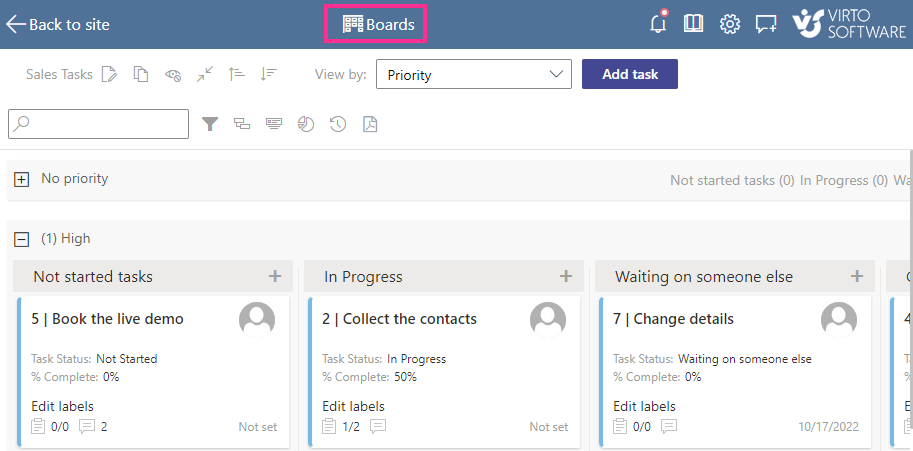
Click “Boards” at the top of the board to view all the Kanban boards created on your SharePoint site.
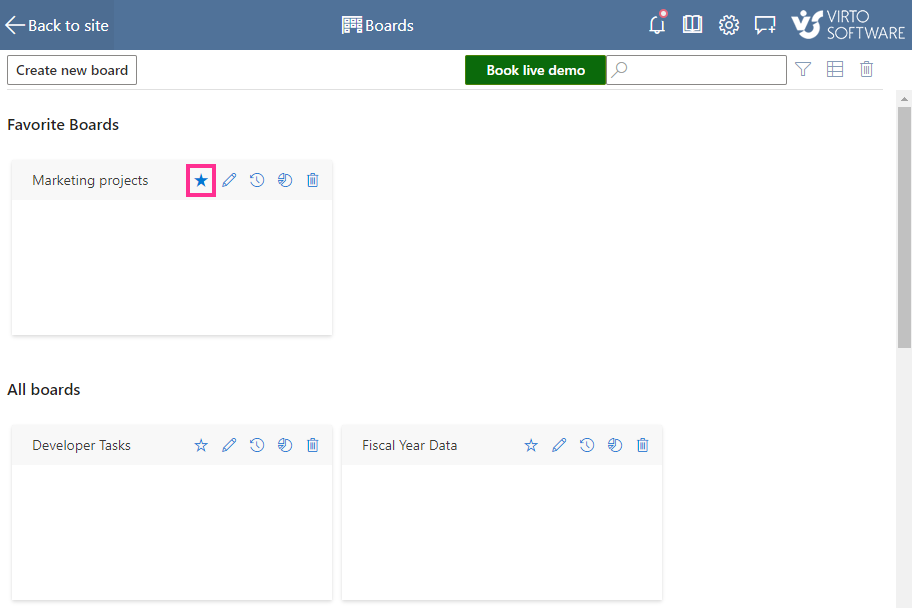
You can add more boards, remove those that are no longer needed, or use the star icon to mark your most-used boards as favorites.
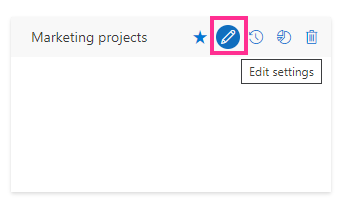
Edit board settings from this view or from within the board view by clicking the “Edit settings” icon on the right of the board name.
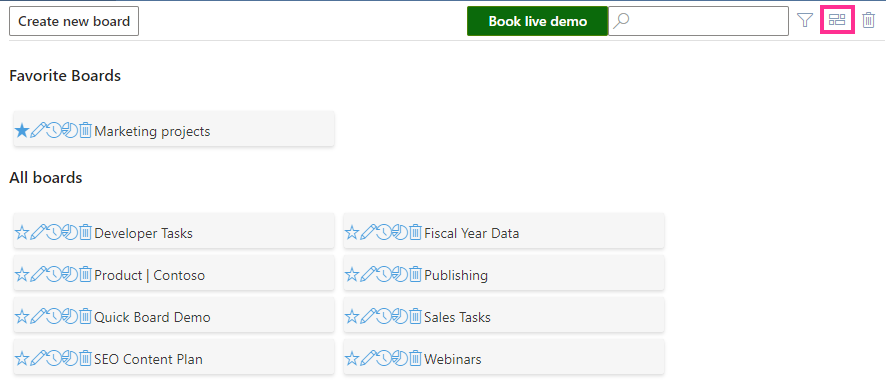
You can also view the boards as a list by clicking the icon in the upper-right corner.