
Virto Gantt Chart Configuration
Then switch to the Edit page mode to start configuration of the Virto Gantt Chart.

Now click “Edit web part”.
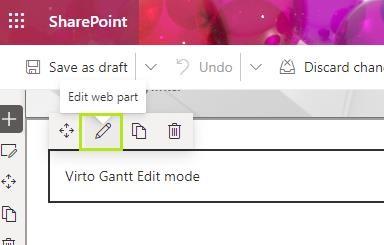
The configuration of Virto Gantt Chart app consists of two basic steps:
- Configuration of Data sources— adding SharePoint lists with task information.
- Configuration of Gantts— creating Gantt views with chosen single o or multiple data sources.