Alerts managing
When the list of alerts subscriptions is too large to find a required item, you can use search filter by title or list name

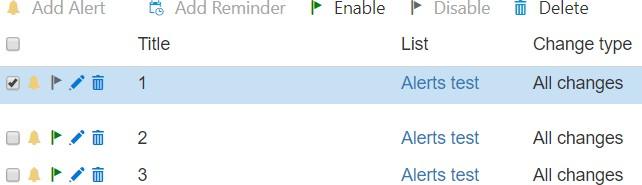
You can enable/disable created alerts and reminders: tick the box opposite alert or reminder and click
“Enable” or “Disable” button.
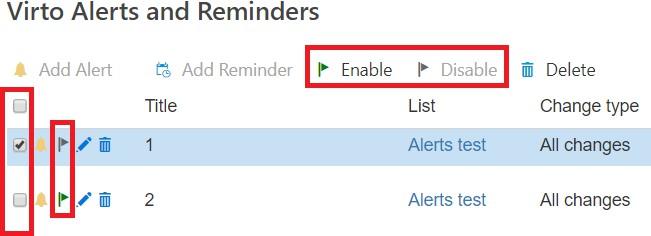
The current status of an alert or reminder is displayed on the left side. If the status mark is highlighted green, this alert/reminder is enabled.
Also, you are able to edit or delete created alerts by clicking on the corresponding symbol.