
Error “Sorry apps are turned off”: What to Do
If you are trying to install the modern web part on SharePoint Server 2019 or Subscription Edition and got the error below while adding it to your site:
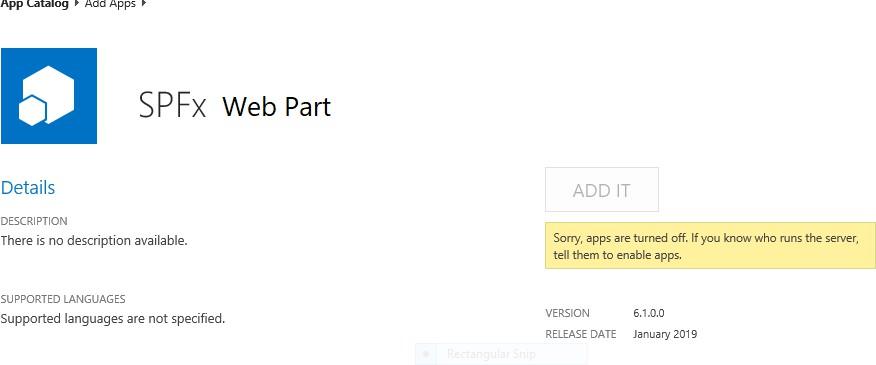
Sorry, apps are turned off. If you know who runs the server, tell them to enable apps. Possible Reasons and Solutions
| Reason | Solution |
|---|---|
| Apps are not enabled in your farm | Make sure you have Apps enabled in your SharePoint farm. |
| Subscription service is not setup | The first and most probable problem would be the subscription service is not configured in your farm. Please configure it. |
| App management service is not associated with your web application | Make sure App Management Service Application is associated with your web application where you want to add the SPFx web part. |
| App Url is not configured | If you have not configured the App URLs, please ensure you have given values to App Domain and App Prefix in your App Store settings. |
If after ensuring above solutions, you still have the same error, please register a ticket to let our technicians analyze the problem.