
Comments
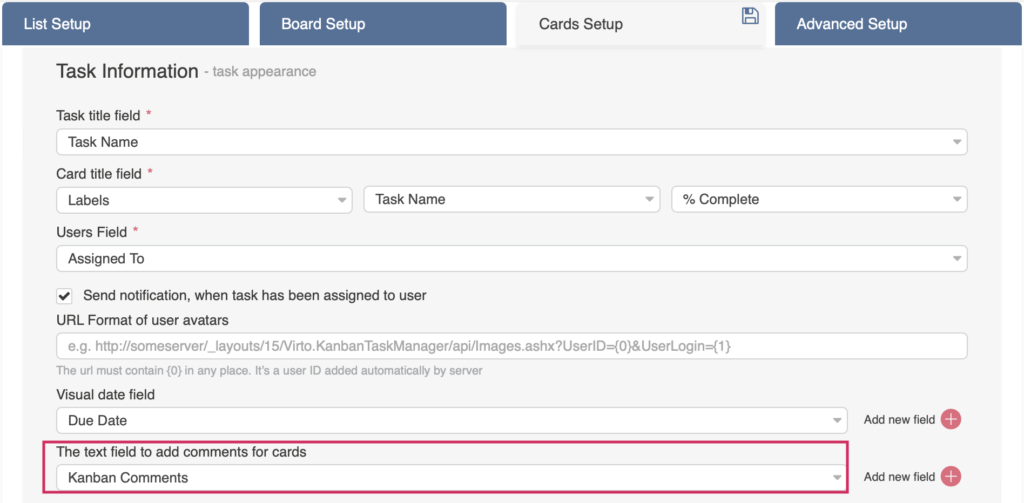
You can add comments to your tasks. When you create a quick board, its source list contains the “KanbanComments” field by default. In other cases, you must manually add this comments column to your list.
To view comments, click on a task and switch from the “Description” tab to the “Comments” tab.
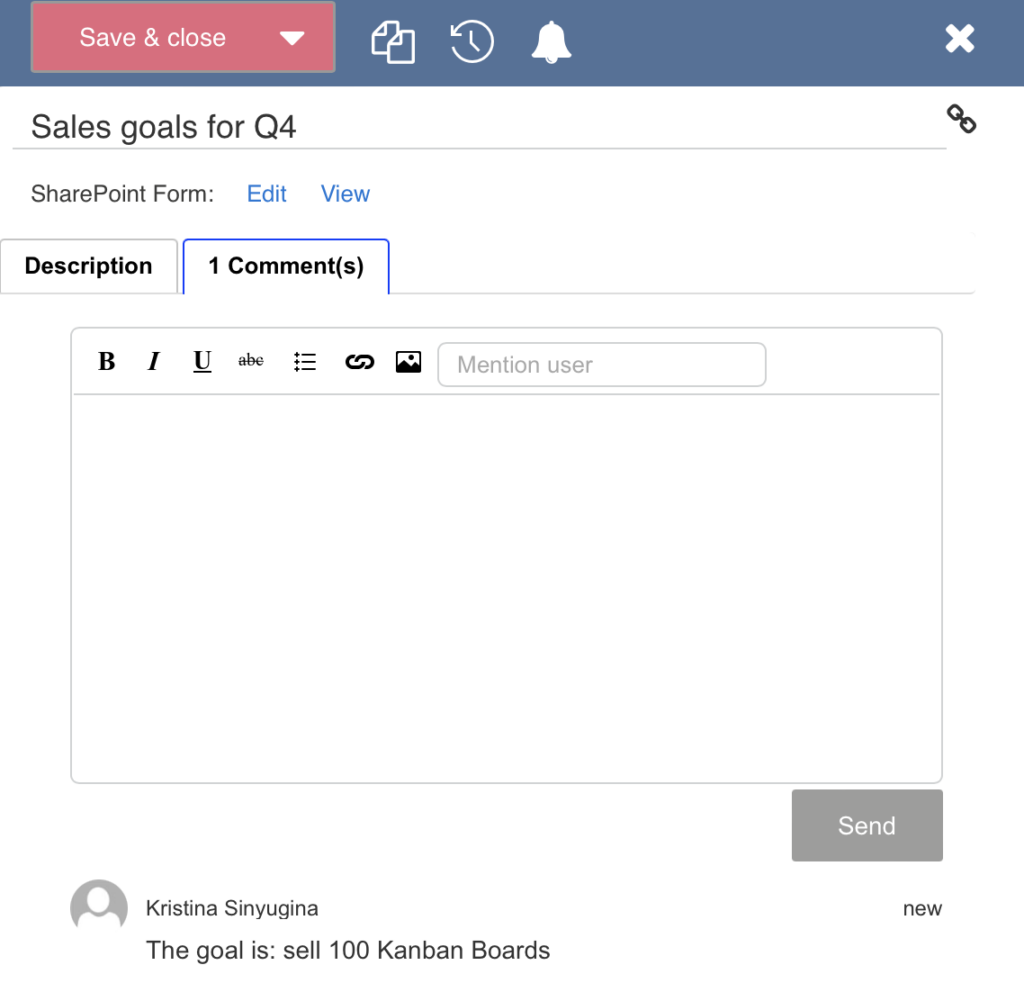
You can mention a user in the comments by typing @username. The default comment notification should be enabled in the Kanban Board settings.
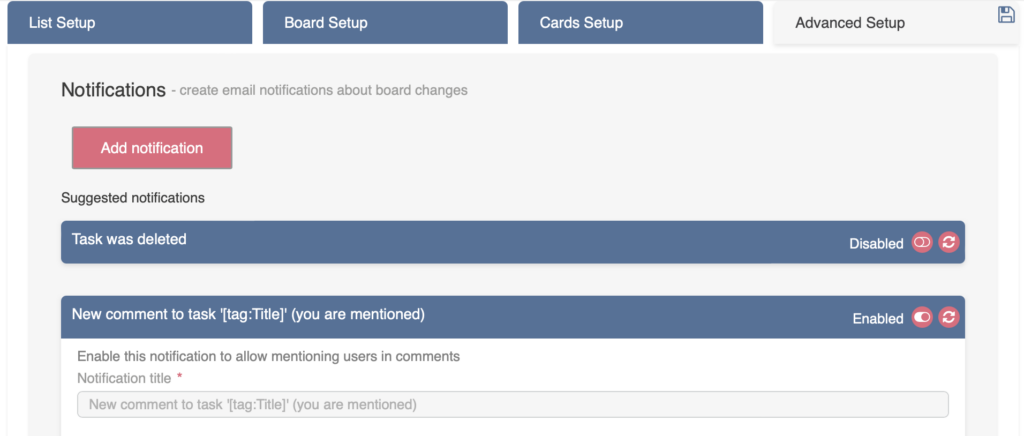
Users will receive a notification when they are mentioned in a comment on a task. To enable this feature, you need to activate the relevant notifications in the board settings (“Advanced Setup –> Notifications –> Suggested Notifications”).
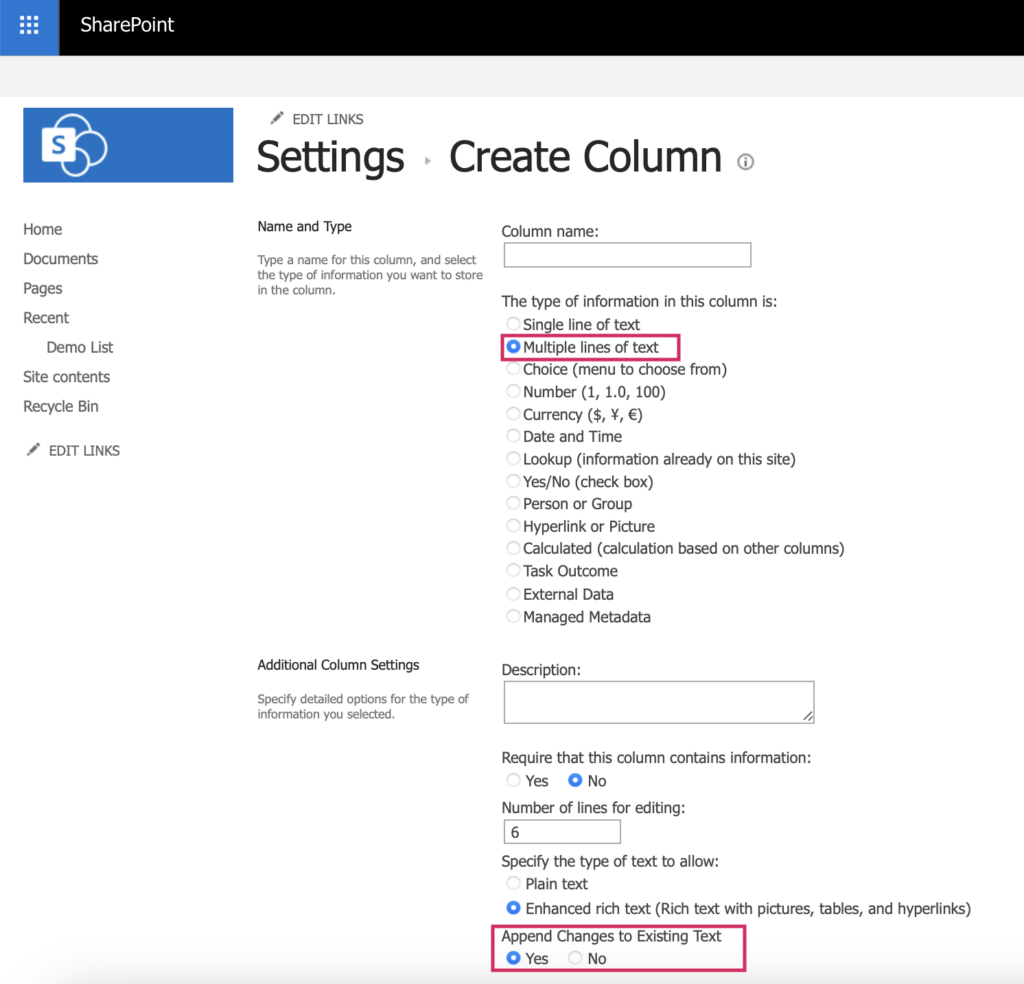
If you’re using a custom SharePoint list as a source for your board, you may not have a field for comments. In this case, create a custom “Multiple lines of text” type column and add it to the selected content type of your kanban list. Also enable the “Append Changes to Existing Text” option by selecting “Yes”.
Please also check that the list versioning settings are enabled by choosing “Yes” for “Create a version each time you edit an item in this list.”
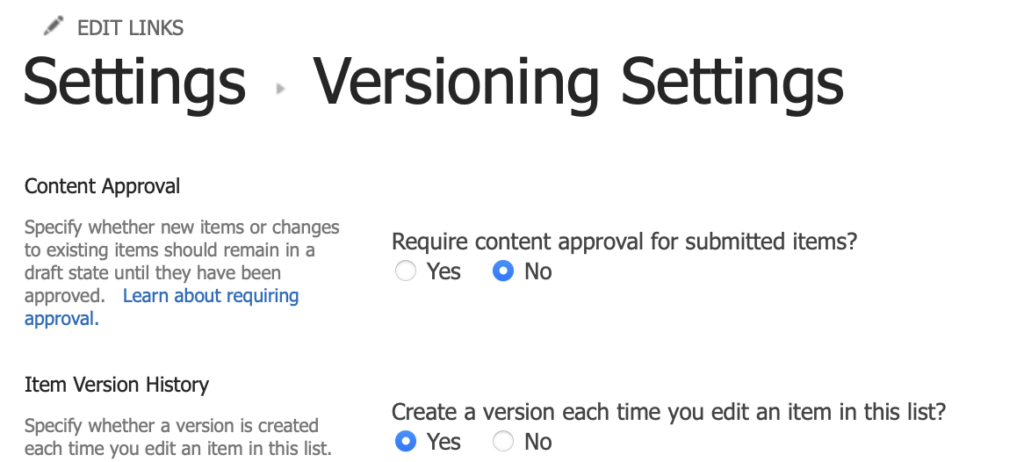
Now, the comments are available.
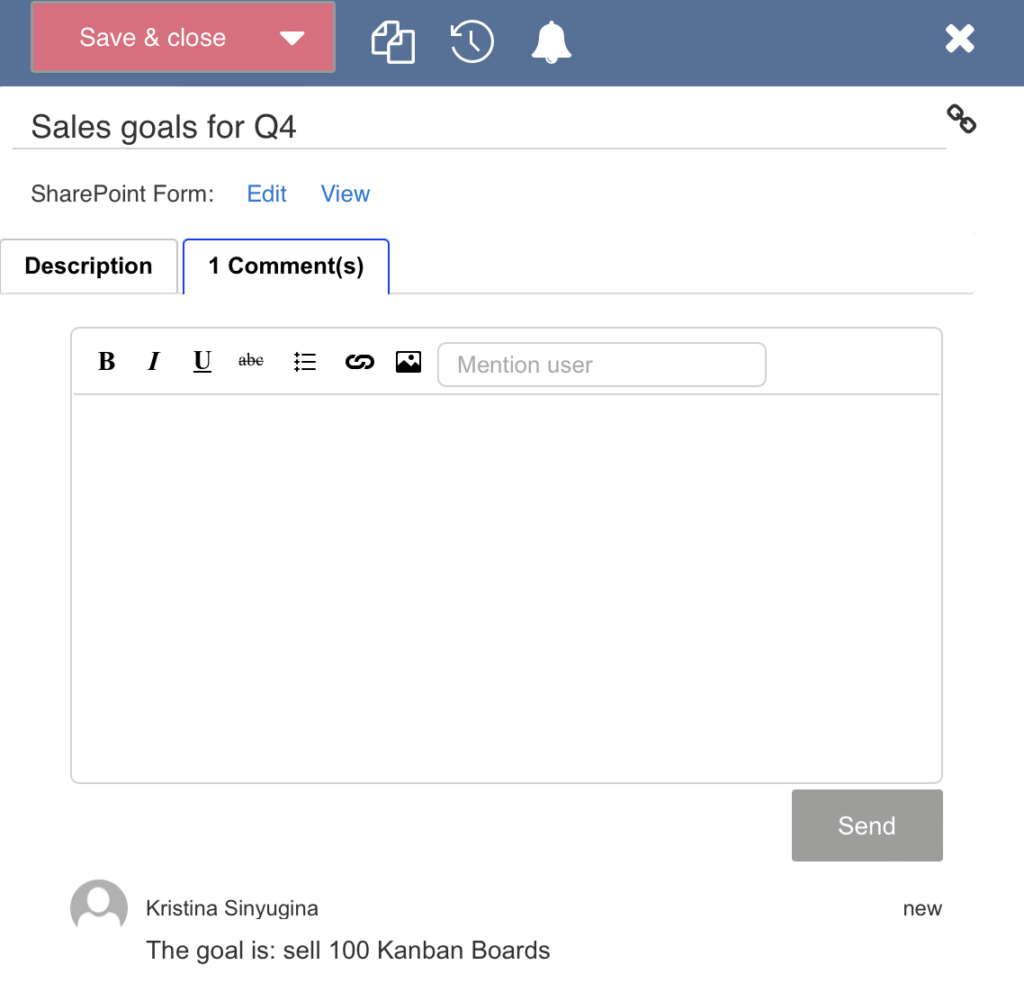
The Item Version History option must be enabled in the list versioning settings.
This way, you can track the task history and see all its changes.
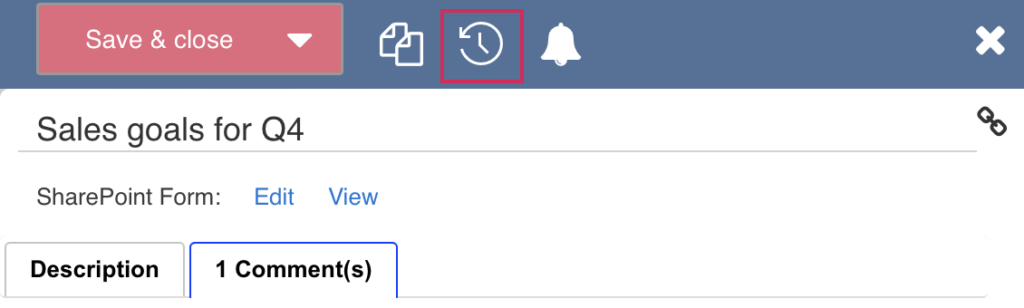
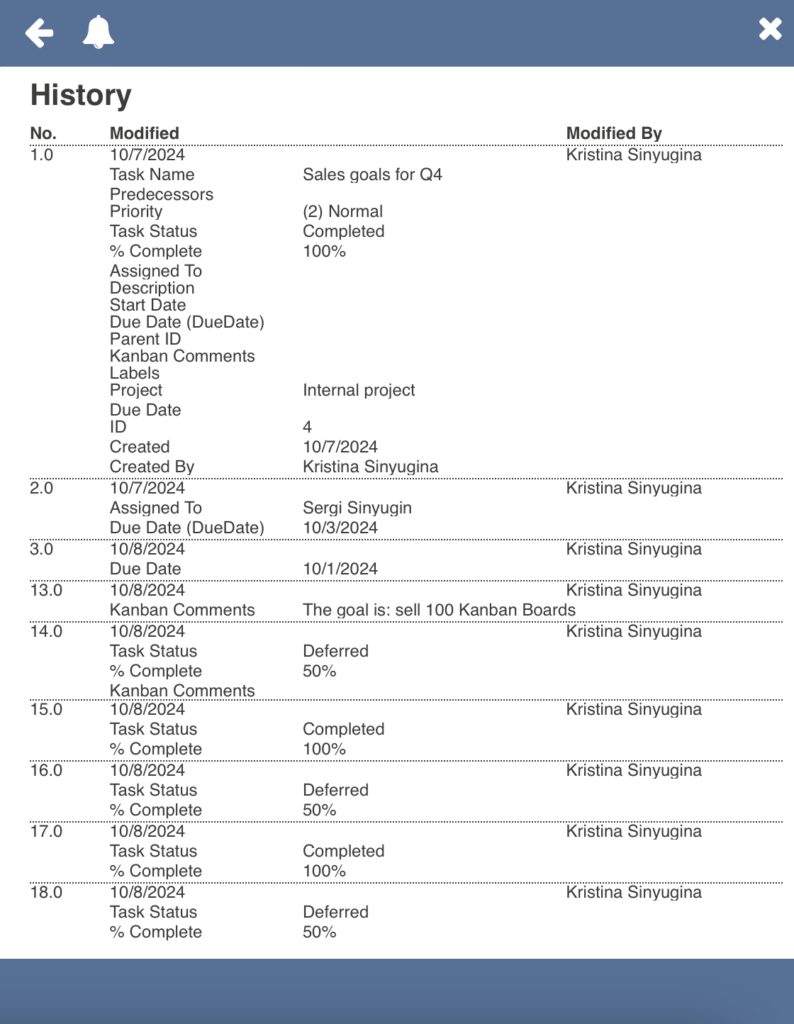
Neither task nor board history will display changes in attachments and pictures.