Filtering
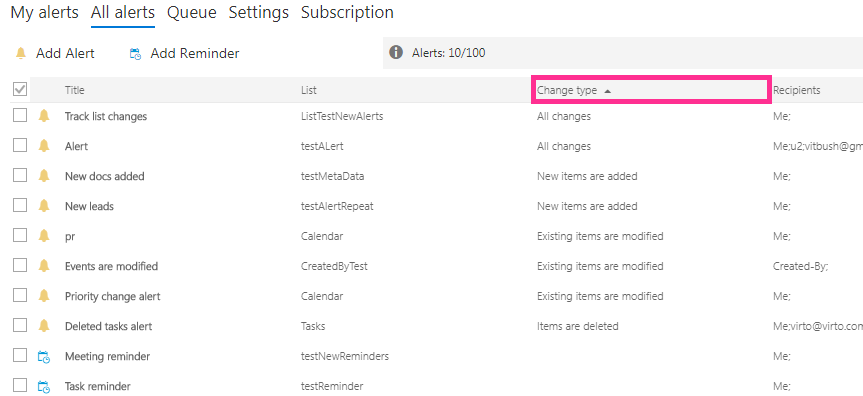
When the list of alert subscriptions is too large to find a required item, you can filter alerts by column. In the following example, we filter by “Change type.”
You can search for alerts and reminders across your site collection in the “Browse tenant” menu.

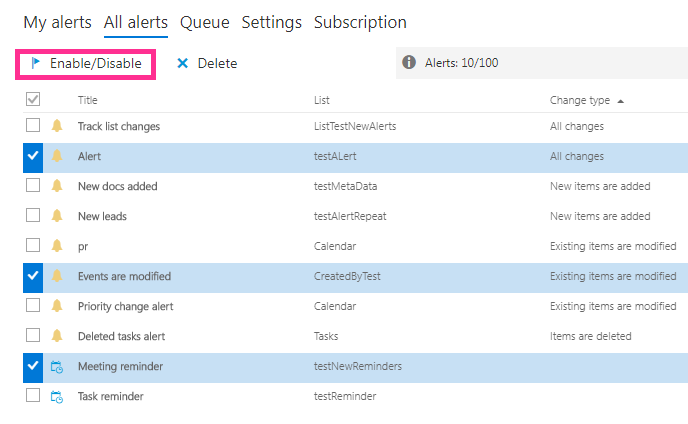
Click the “Enable/Disable” button to turn alerts on or off.
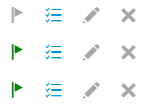
The current alert or reminder status is displayed on the right side. If the status mark is highlighted in green, this alert/reminder is active. Inactive alerts and reminders are highlighted with a red background.

Next to the flag icon, which shows whether the alert is active, the queue icon opens the queue settings, followed by the edit and delete icons.