
Adding New Cross-Site Lookup Columns
Go to a SharePoint site and create a list, which will contain cross-site lookup.
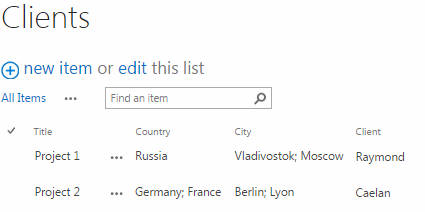
Now you need to add a column with “Cross-site Lookup Selector” type. Go to list settings and create a new column.

Enter the column title (country name in our case) and select “Virto Cross-Site Lookup selector” as a column type.