Minor Upgrade of the Virto Calendar web part
When a minor upgrade of the Virto Calendar version is released, the version number is updated accordingly. For example, moving from version 2.1 to 2.2 is considered a minor update within the second version.
If you already use the Virto Calendar web part and need to upgrade it to the latest version, download the package from the Virto Calendar product page.
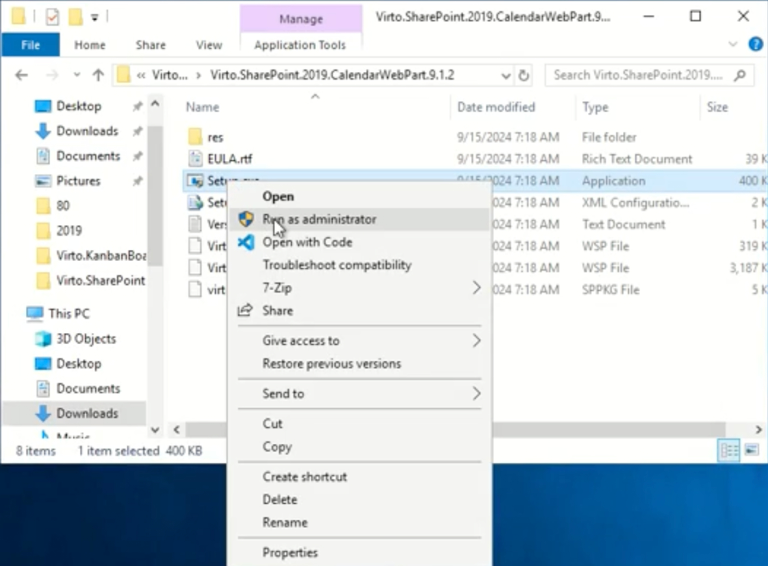
To upgrade the Virto Calendar web part, run the Setup file under the administrator account (right-click the Setup file and choose “Run as administrator”).
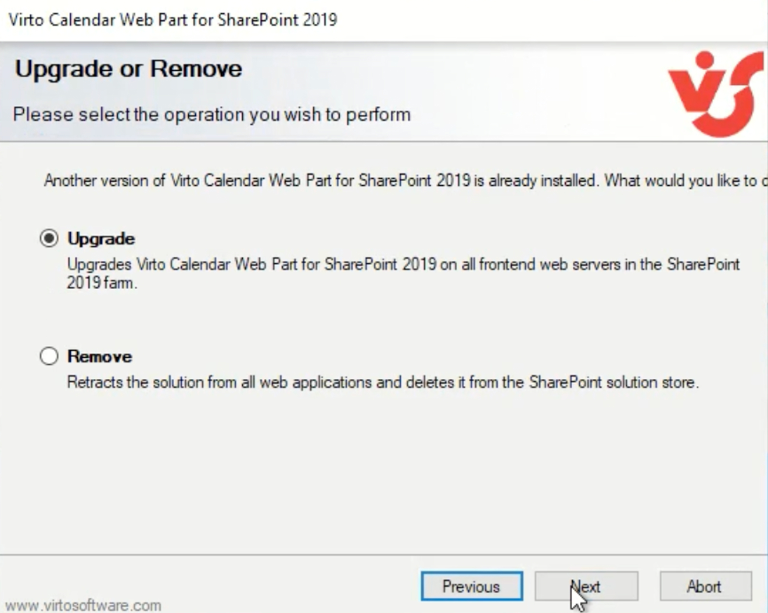
Then select the “Upgrade” checkbox and click “Next.”
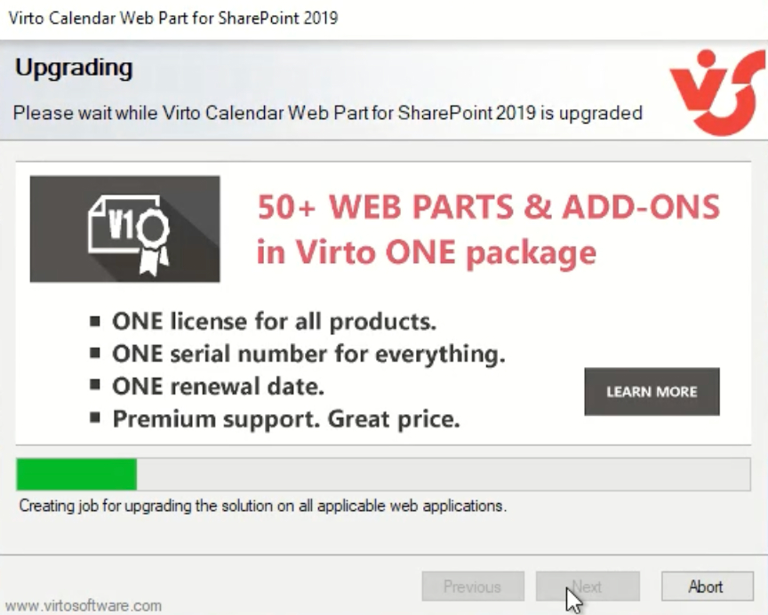
Wait for the product to upgrade.
Click “Next”.
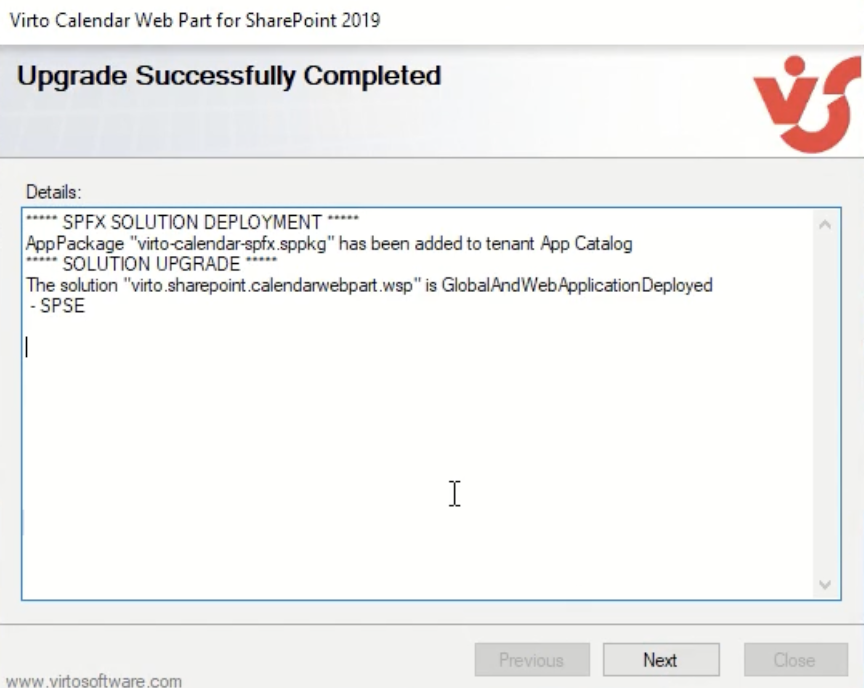
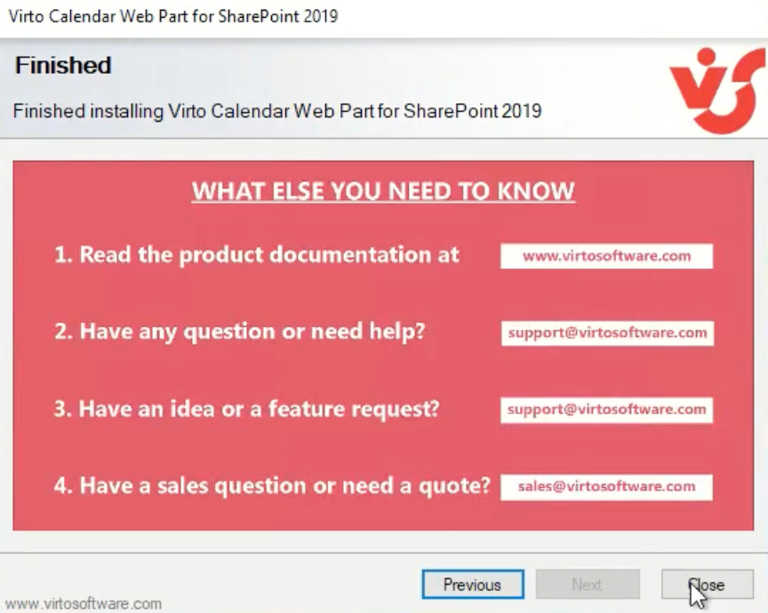
Click “Close” to complete the upgrade.