
Filters
You can adjust filters for tasks. There are two possible operators used to combine filters: AND and OR. You can create a complex, multi-conditional filter with these operators. You can choose to apply only one filter or create multiple filters and combine them using the AND or OR operators.
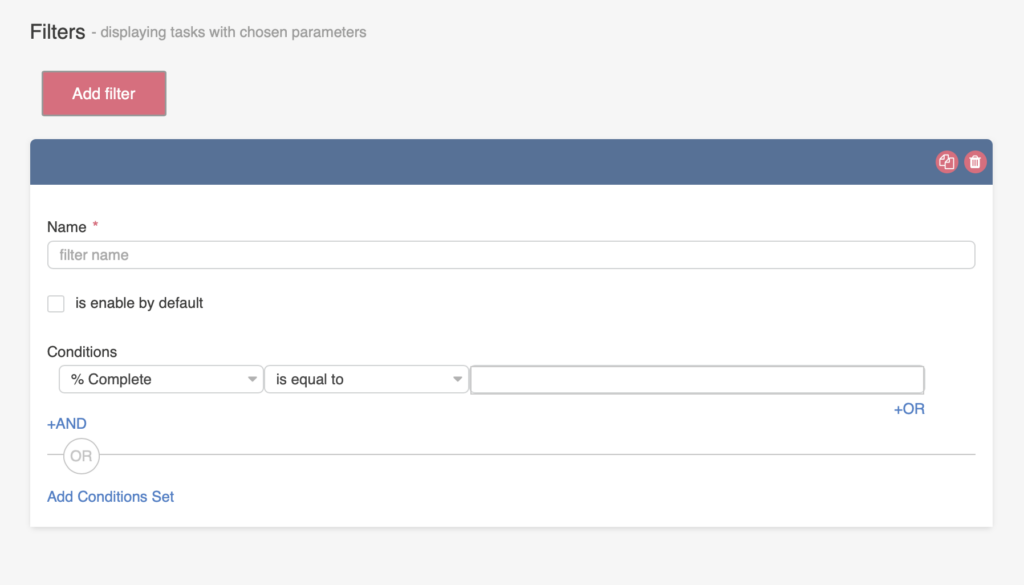
Click “Add filter” and define your custom conditions. Check the “Is enabled by default” box to apply the filter to the default board view.
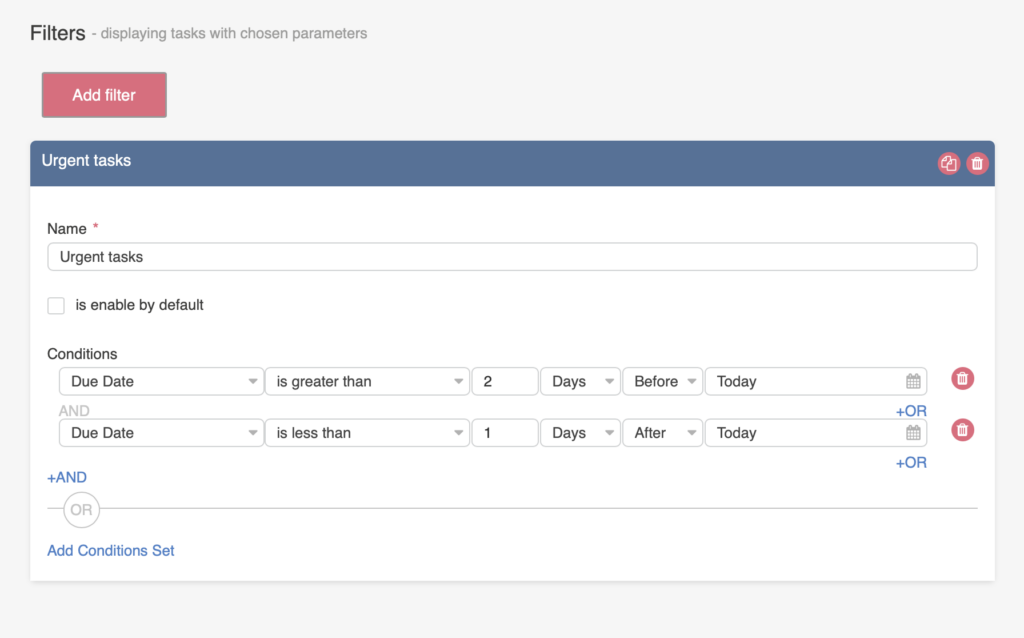
The date filter allows you to manually select the date range.
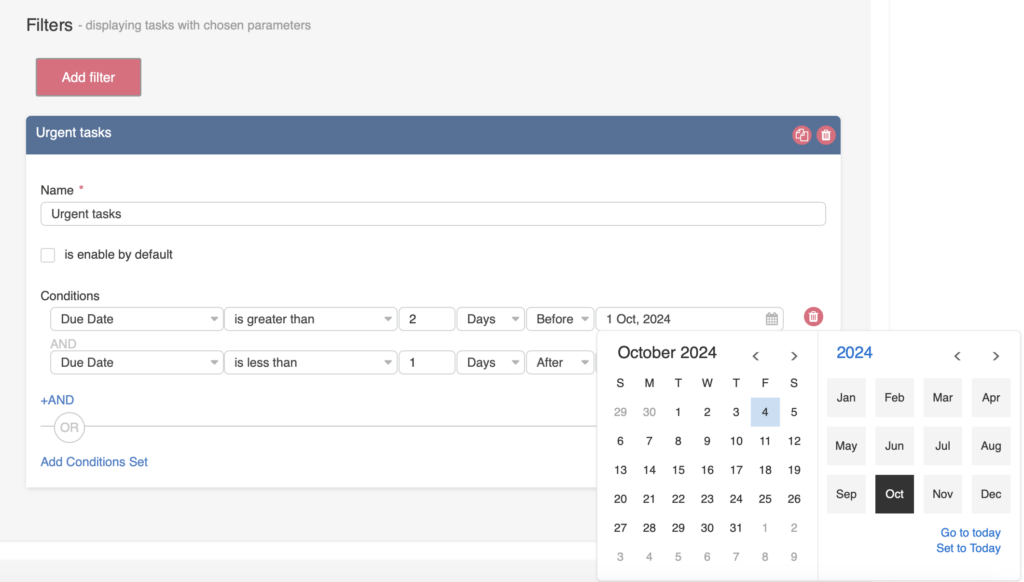
The “Calendar” option lets you choose a specific date using the date picker as the filter condition.
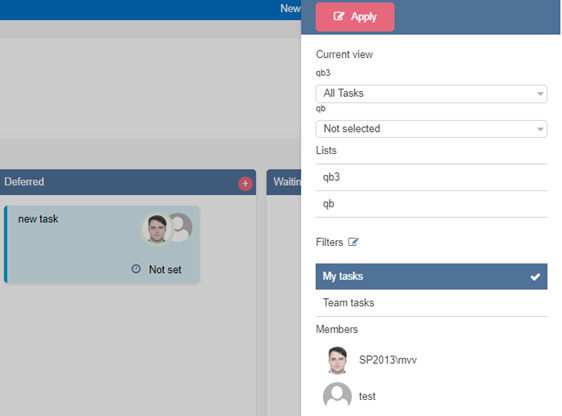
To apply a created filter, click “Filters” on the board, select a filter, and then click “Apply.”
All tasks that meet the selected filters will be shown if you choose multiple filters. To sort more precisely, you can use several filter conditions within a single filter. Click “Add Conditions Set” and create a new sorting option for the same filter.
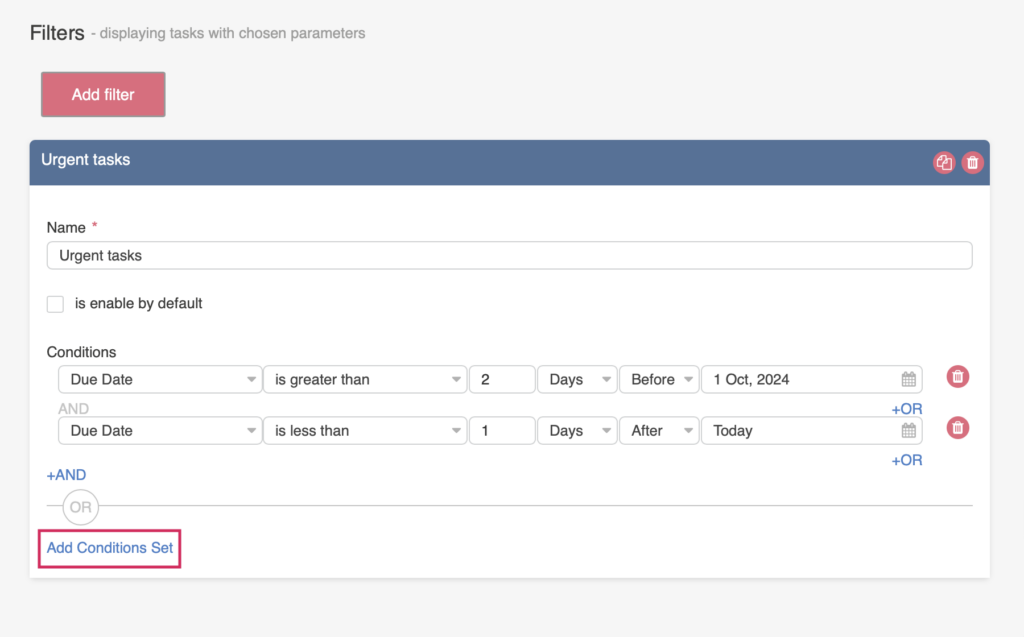
You can copy or delete a filter using the icons to the right of the filter.
When using two or more lists on a board and selecting a common column to create a condition, please note that only columns with the same internal name are available in the filter drop-down.