
Permissions
You can define custom permissions to the most of elements in your SharePoint Forms.
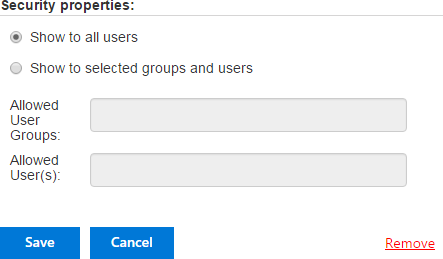
The element can be visible for all users or you able to set custom permission for limited list of allowed users or SharePoint groups.
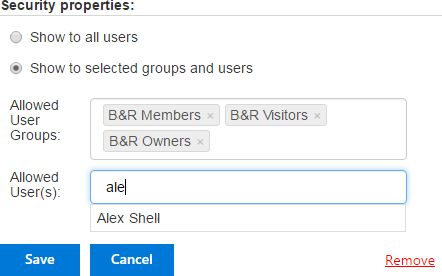
Note*: The required fields marked with * are always visible for all users.*
Note*: If a tab or accordion section contains the required fields marked with *, this tab or accordion section with all fields is always visible for all users. However, you are able to set permissions to other sections or tabs of the same element and apply them to hide other fields. For example, section 1 with an required field is visible, but section 2 can be hidden.*