Fields Management
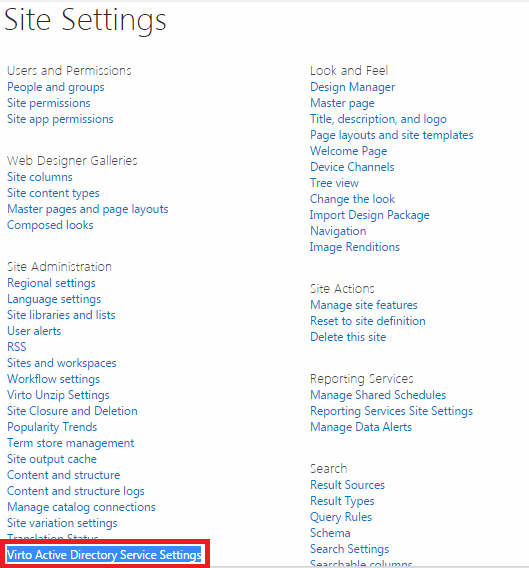
First of all administrator has to add all the required fields which will be used in fieldsets. Go to “Site Settings” and choose “Virto Active Directory Service Settings”
Note: fields and fieldsets used for AD User Service and AD Self Service are the same. In case you are going to use both web parts, you do not need to manage fields and fieldsets one more time, just select required fieldset.
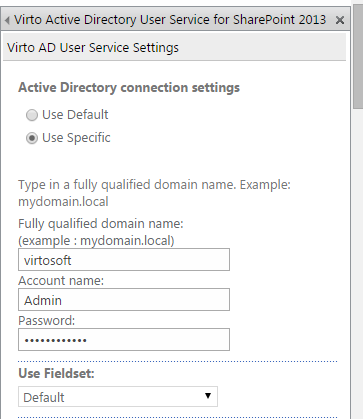
If you decided to use default connection (see Virto SharePoint Active Directory User Service Web Part Settings section), fill out domain name, account name and password fields and click “Save”. These data will be used for connection to AD information.
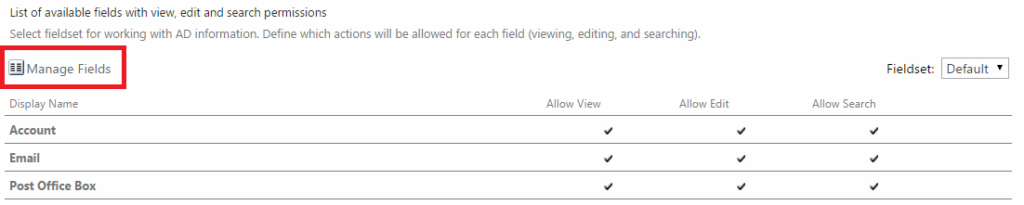
Then you can see used fieldset. All fieldsets have the one list of fields but different settings.
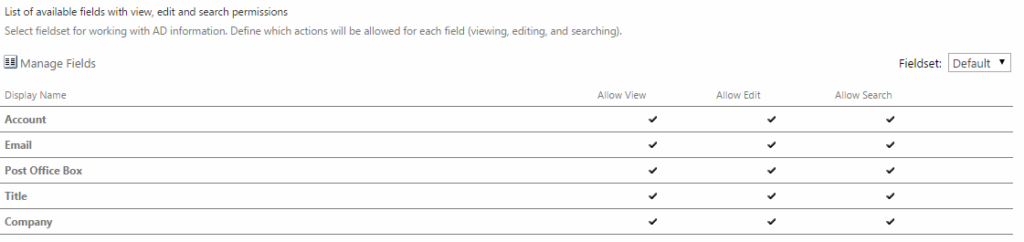
First of all it is required to manage fields in the fieldset. Click “Manage Fields”.
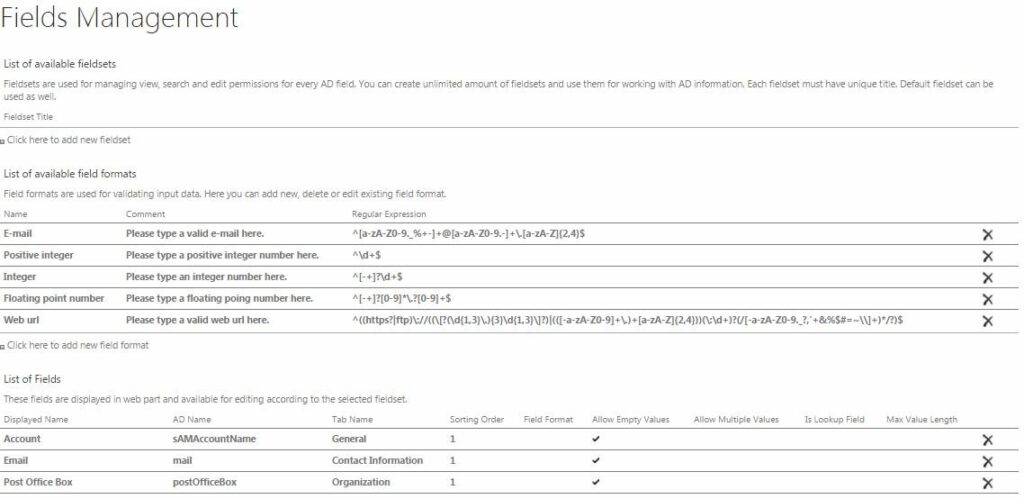
You will go to “Fields Management” page. Three blocks will be displayed: “Available Fieldsets” (see “Fieldsets Adjustment” section to learn more), “List of Available Field Formats” and “List of Fields”.