
Convert Date from Local Time to UTC
Note: Virto Workflows for Office 365 is no longer sold. The add-in and the SharePoint 2013 workflows it adds actions to stopped working in SharePoint Online on April 2, 2026, when Microsoft retired SharePoint Add-ins and SharePoint 2013 workflows. This documentation is kept for reference.
This activity converts date from local time to UTC.
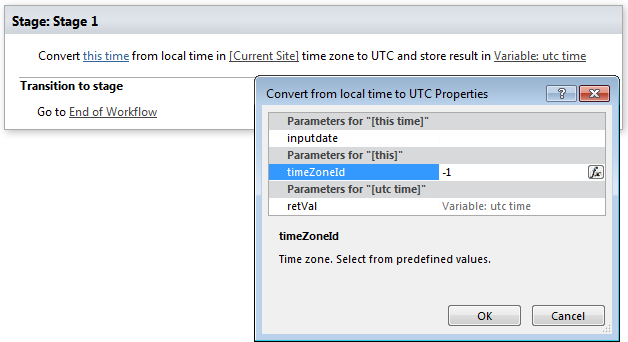
Parameters
Input parameters
| Parameter | Description | Example |
|---|---|---|
| This time | Inputdate. Time you want to convert to UTC time. | [%Variable:updatedDate%], [%CurrentItem:Created%] |
| Current site time zone | Time zone to convert | (UTC-09:00) Alaska (can be selected in dropdown menu) |
| Variable | Contains converted time | |
Example
