Uninstalling Virto SharePoint Password Change
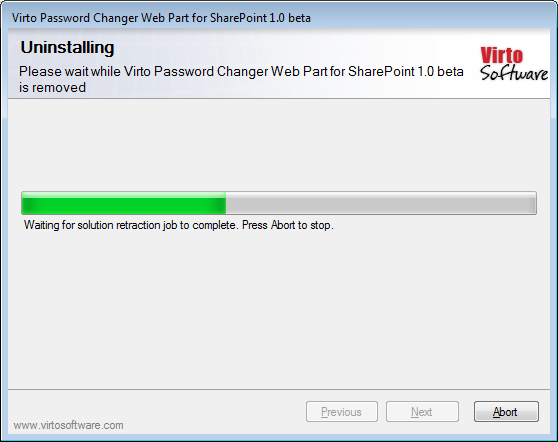
To uninstall the Web Part:
- Double click the Setup.exe extracted from downloaded
Virto.SharePoint.20XX.PasswordChangeWebPart.zip file.
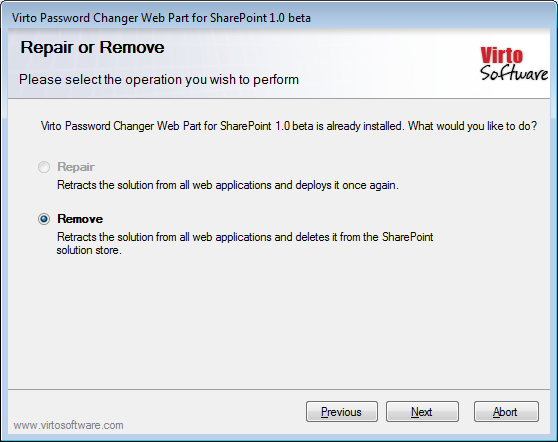
- The program performs the system checks again. Once that has successfully completed, the program prompts you to Repair or Remove the solution. Select Remove, and click “Next”.