Predecessor and Successor tasks
Virto Gantt Chart Web Part for SharePoint Online / SharePoint 2013 allows users to display successors and predecessors relationship.
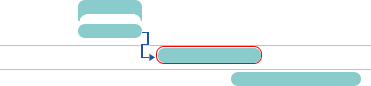
Predecessor and successor tasks are connected through arrows. Successor will start after predecessor.
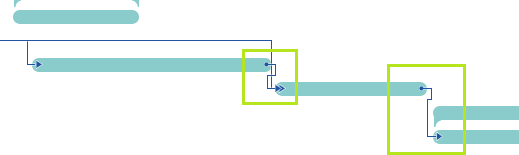
Virto Gantt Chart Web Part allows users to define finish-to-start relations between tasks and create successors and predecessors by simple arrows drag-and-drop. Just click a task that will be a predecessor and drag the arrow to a task which you want to make a successor.
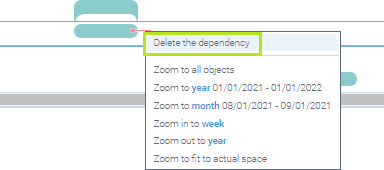
To delete the dependency just click and select the arrow and then choose “Delete the dependency” in the menu appeared.