Microsoft Planner
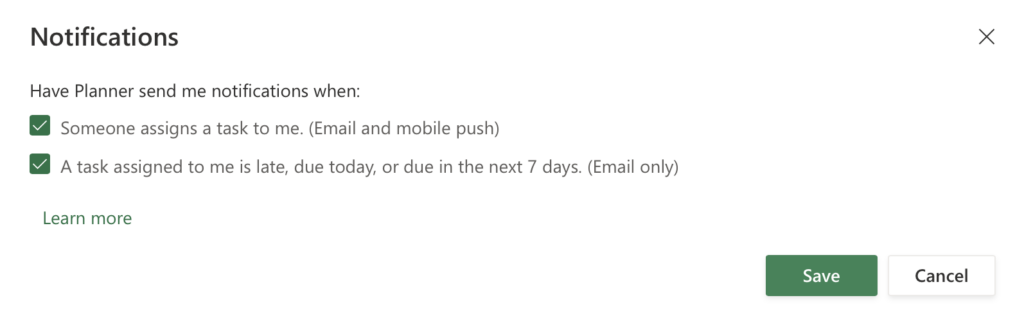
To set up notification settings in Planner, go to the Planner app and click the gear icon on the ribbon. Then click “Notifications.”

Notifications settings in Planners include email and mobile push notifications. Tick the box to choose the desired settings and click “Save.”