Tabs
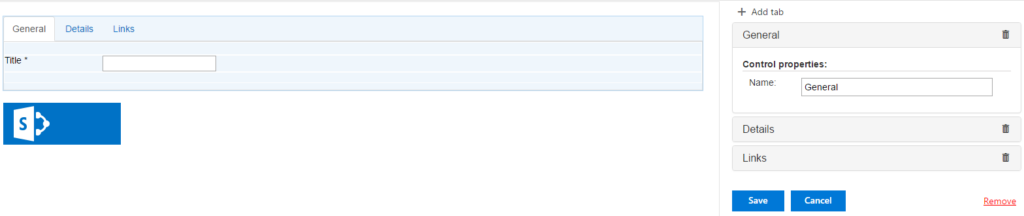
You can create multiple tabs to optimize your SharePoint form view.

You can add more tabs by clicking “+ Add tab” button and type tab names in the control properties in the right corner. Remove the tab by clicking delete icon on the end of a chosen tab row. Delete all tabs by clicking on red “Remove” link.
Then save changes to display created tabs.
All tabs can contain any other controls, excepting Accordions.