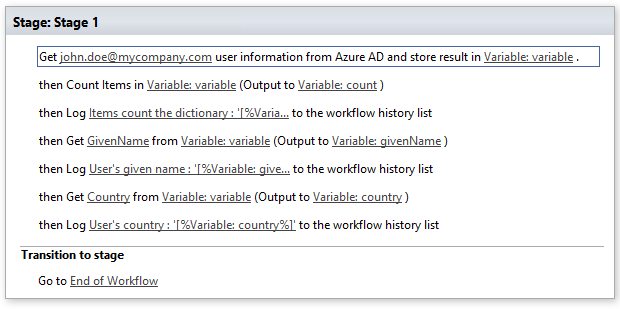
Get Azure AD user information
Note: Virto Workflows for Office 365 is no longer sold. The add-in and the SharePoint 2013 workflows it adds actions to stopped working in SharePoint Online on April 2, 2026, when Microsoft retired SharePoint Add-ins and SharePoint 2013 workflows. This documentation is kept for reference.
This activity allows receiving user’s information from Active Directory and stores result in variable.
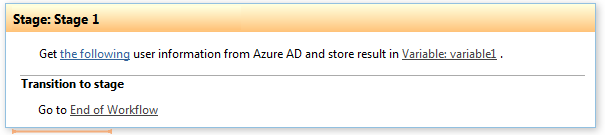
Parameters
Input parameters
| Parameter | Description | Example |
|---|---|---|
| Site URL | Optional. Site URL where | https://contoso/SiteUrl; |
| you want to run the workflow. Default value is current site URL. | https://contoso/Sites/SiteUrl;[%Workflow Context:Current Site URL%]/subSite | |
| User | User e-mail or login name | john.doe@mycompany.onmicrosoft.com, Jane.doe@mycompany.com |
| Variable | After successful workflow execution contains dictionary with user’s attributes from Azure AD.Dictionary has the following keys (case sensitive): City, CompanyName, Country, Department, DisplayName, FacsimileTelephoneNumber, GivenName, JobTitle, Mail, MailNickname, Mobile, OtherMails, PostalCode, PreferredLanguage, State, StreetAddress, Surname, TelephoneNumber,UserPrincipalName |
Example