
Modern calendar settings
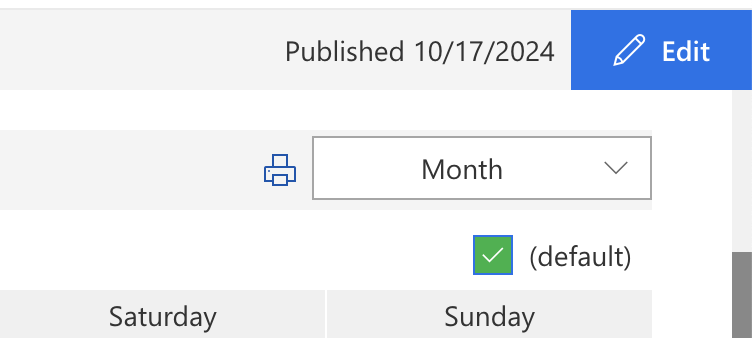
To open the settings of the modern web part, click “Edit” in the upper right corner of the page.
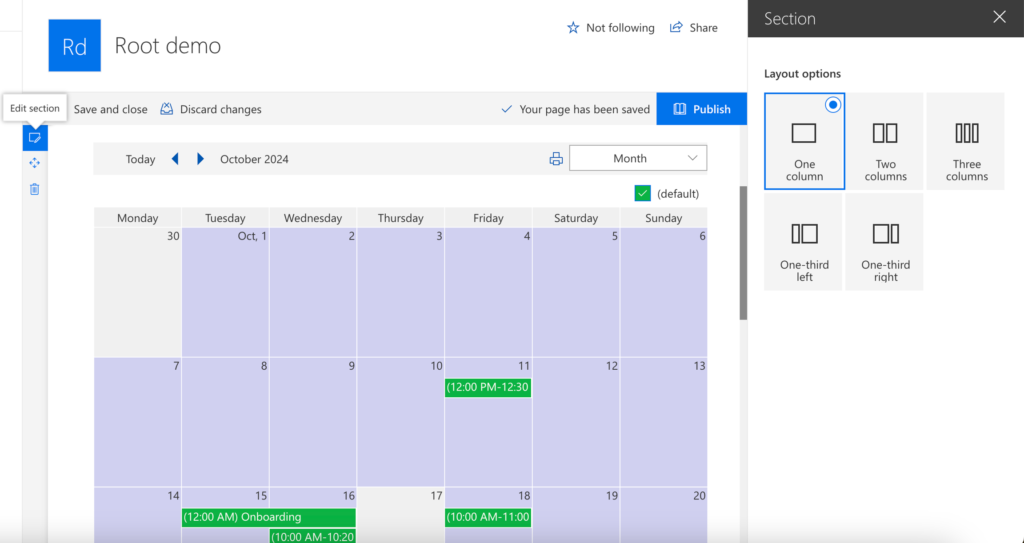
Click the “Edit section” icon on the left to choose a layout.
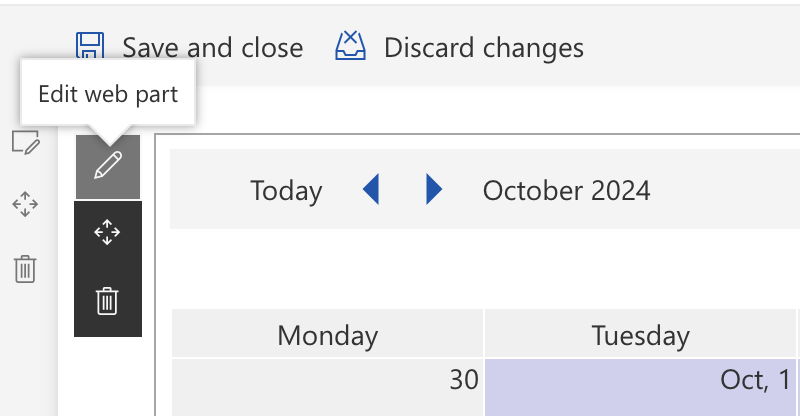
Select the web part and click the “Edit web part” icon to open the calendar settings.
The Properties window has the tabs General, Data Sources, MultiDay view, Month view, Year View and Task View. Click “Save” to apply the changes, then publish the page.

General tab
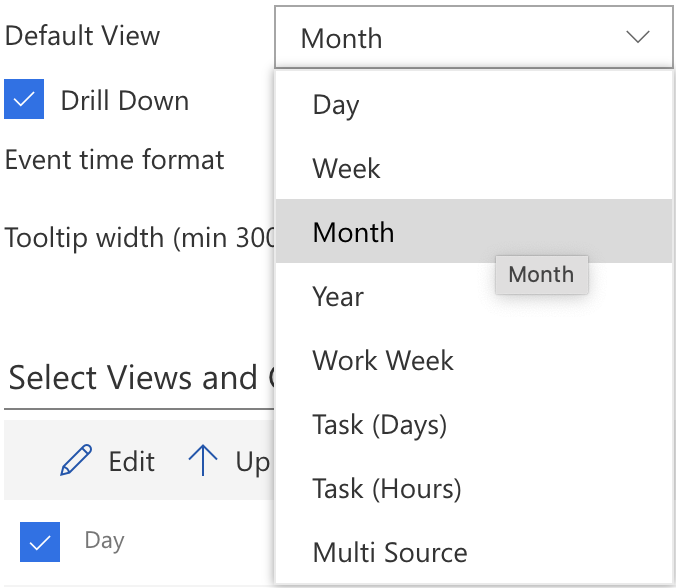
On the General tab: Display Last Selected View, Default View, Drill Down, Event time format, Tooltip width, Select Views and Order, Show Data Source Legend and Legend item width. The modern web part is shown in the language of the site; there is no separate language setting.
You can enable or disable the option to “Display Last Selected View.” If this option is checked, users will see the view that was last selected when they reopen the calendar.

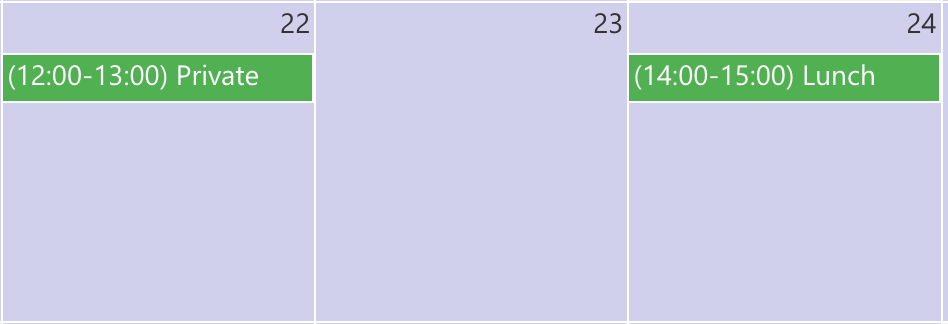
You can use different time formats for events. Use custom date and time format strings. For example:

Select Views and Order: You can change the order of views as they appear in the dropdown by clicking the arrows next to “Up” and “Down.”
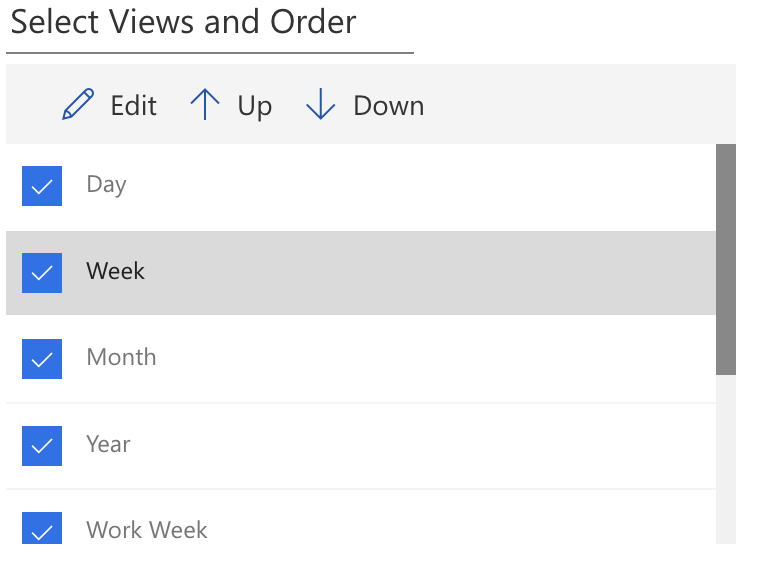
If needed, you can rename views by selecting the desired view and clicking the “Edit” icon. For example:
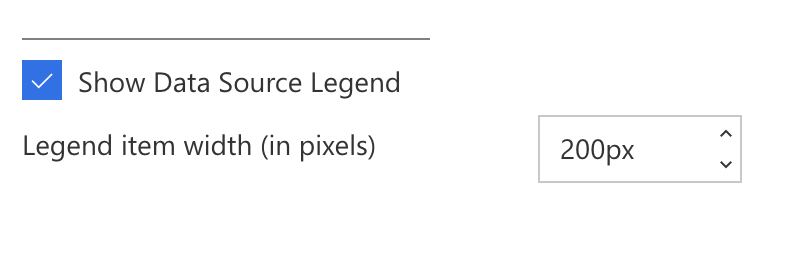
Show Data Source Legend and set Legend item width:
Data Sources tab
On the Data Sources tab, click “Create New Source”. The data source types and their options are the same as in the classic web part: see Data source settings.

View tabs
For the options of the view tabs, see the settings pages of the classic web part: Multiday View settings, Month View settings, Year View settings and Task View settings.