Appearance
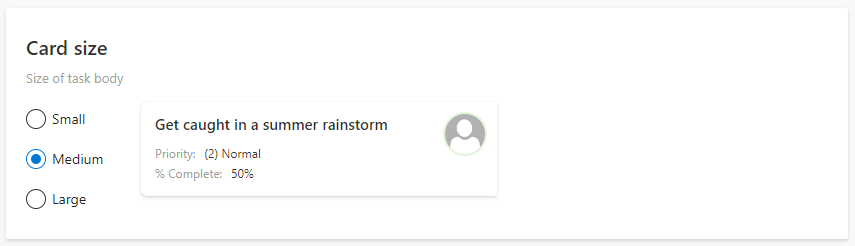
The card size of the tasks on your board can be adjusted to small, medium, or large to match the board design.
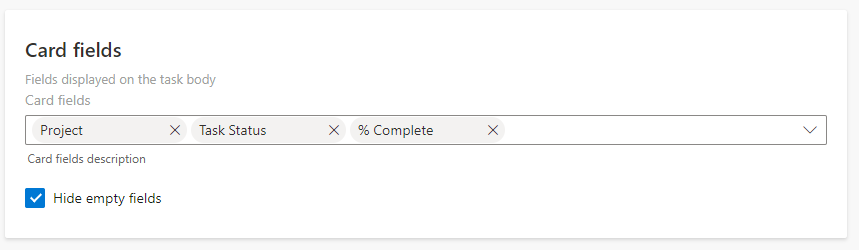
You can choose which fields to show on every card in the Card fields settings. Tick the “Hide empty fields” checkbox to hide fields with no values.