
Virto Password Change Usage
Fill out the fields displayed on the web part view page. Domain and account information can be edited or not according to the settings described in the previous section.
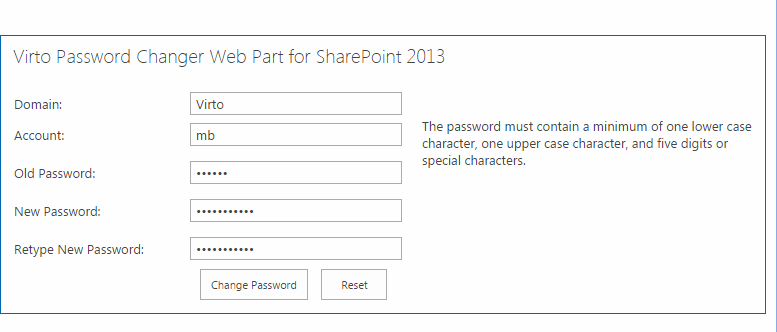
Type old password. Then type new password and retype it to confirm. Click “Change Password”.
If you need to enter another data to the fields, click “Reset”. The fields will be cleared. Now fill out the
fields in appropriate way and click “Change Password”.