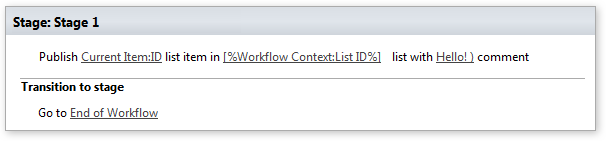
Publish list item
This activity finds the document by ID and submits the file for content approval with the specified comment.
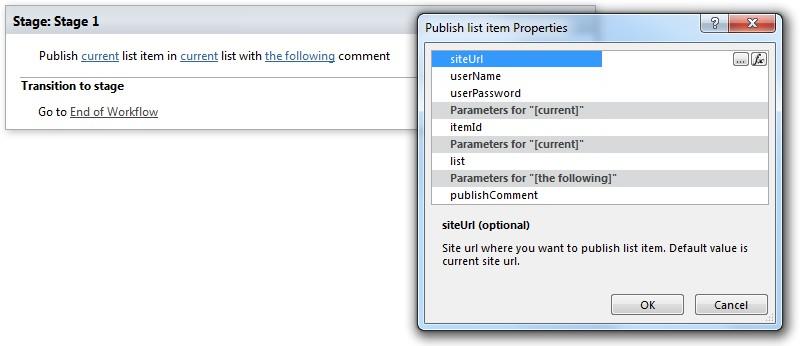
Parameters
Input parameters
| Parameter | Description | Example |
|---|---|---|
| Current list item id (optional) | List item id where you want to publish list item. Default value is current workflow context list item id. | [%Current item: ID%] |
| Current list (optional) | List id (guid) or name where you wantto publish list item. Default value is current workflow context list. | [%Workflow Context: List ID%] |
| The following comment | Publishing comment. Required for publishing. | |
| Site URLs (optional) | The URLs of a SharePoint site where you want to publish list item. If the value field is empty, current site willbe used. | https://contoso/SiteUrl; https://contoso/Sites/SiteUrl; [%Workflow Context:Current SiteURL%]subSite |
| User name (optional) | User login name who you want the workflow must be run under | |
| User password (optional) | User password who you want the workflow must be run under |
Example