
Online product activation
Under Available servers, select the server, enter the serial number we emailed you after purchase and click “Activate online”.

Select Restart the SharePoint Timer Service on the selected server after activation or deactivation to let the product’s timer jobs use the new license state at once. The option is selected by default for Virto Notifications & Alerts and Virto Workflow Automation, which check the license in timer jobs.
If everything is correct, the License Status shows that the product is activated, and the page offers the “Deactivate” button.

You will start seeing an alert message on products that are about to expire, along with a contact email to renew the license.
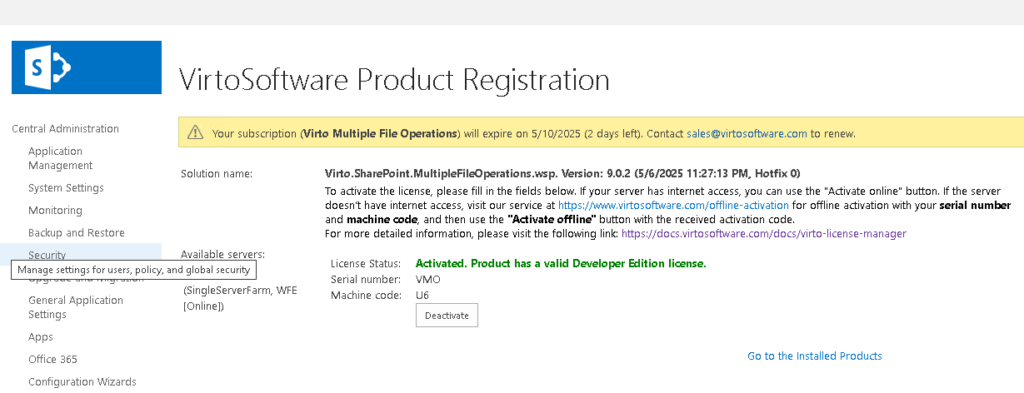
We only activate Web Front End servers.
If the same serial number is active on more than one server, Virto products show a duplicate activation warning (see License messages in Virto products). The License Manager status page lists the serial number and its servers under Duplicate activations (see License Manager status and site license health).