
Contact us

Adding Virto Gantt Chart App on a SharePoint page

Open SharePoint site page where you would like to add the Virto Gantt Chart App. Switch to edit page mode by click on the Editicon.
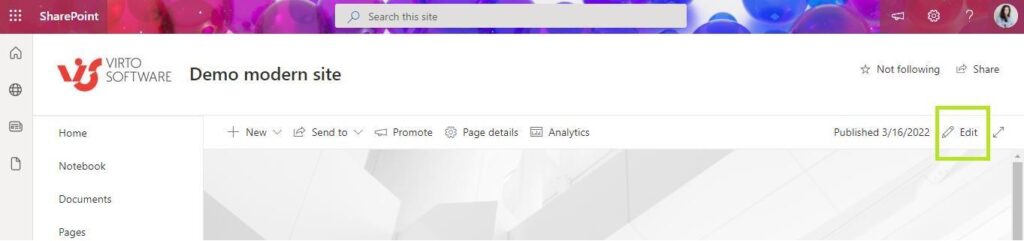
Switching a SharePoint site page to edit mode using the Edit icon to add the Virto Gantt Chart app

Click the Plus icon to add a new app part.
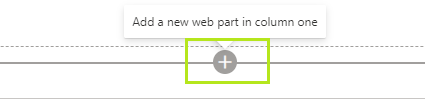
Clicking the plus icon on a SharePoint page to add a new app part

Then choose the Virto Gantt Chart App.
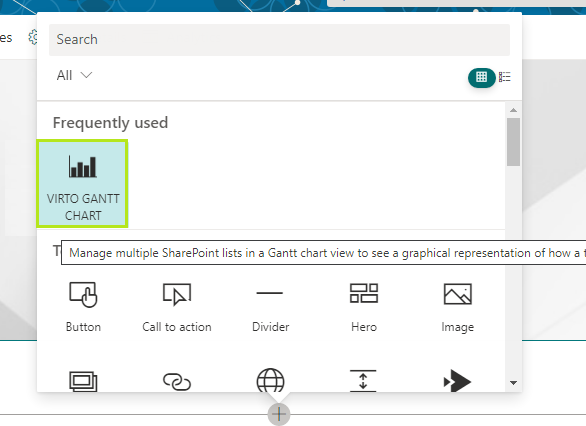
Selecting the Virto Gantt Chart app from the SharePoint app part picker

Updated on June 17, 2026