
Contact us
View as Markdown
Ask AI

Open this page in an AI assistant with a ready-made prompt.

Opens a third-party service and shares a pre-filled prompt containing this public page URL, its product documentation URL and /llms.txt. No VirtoSoftware account or tenant data is included. Provider terms and privacy policies apply. Verify answers against the linked documentation.

OpenAI terms · OpenAI privacy policy · Anthropic terms · Anthropic privacy policy

Permissions

You can specify whether other users or user groups are allowed to change the Kanban view, modify settings, or create, edit, and delete tasks.
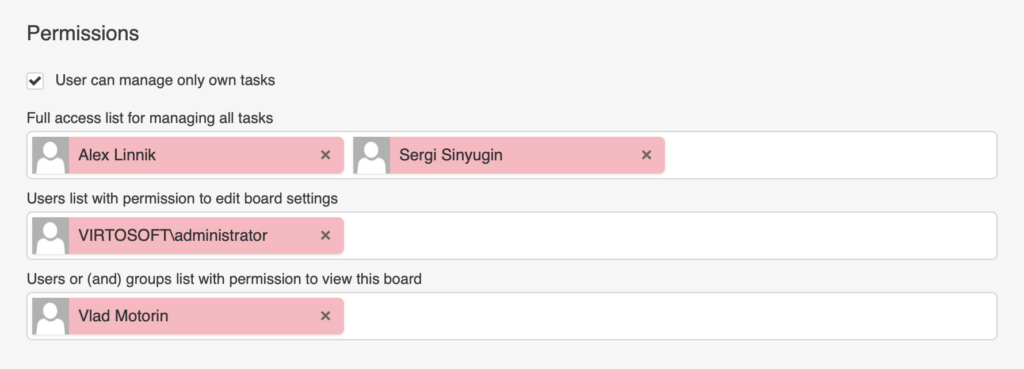
Permission settings in Virto Kanban Board controlling who can change the view, edit settings, and manage tasks

It is also possible to configure access to task management. Check the box “User can manage only own tasks” to restrict users from editing tasks they are not assigned to. This will limit task management to tasks assigned to them. Additionally, you can create a list of users with permission to manage all tasks.

By default, the card creator or assignee is considered the card owner and is allowed to edit the card.

Updated on August 12, 2026